
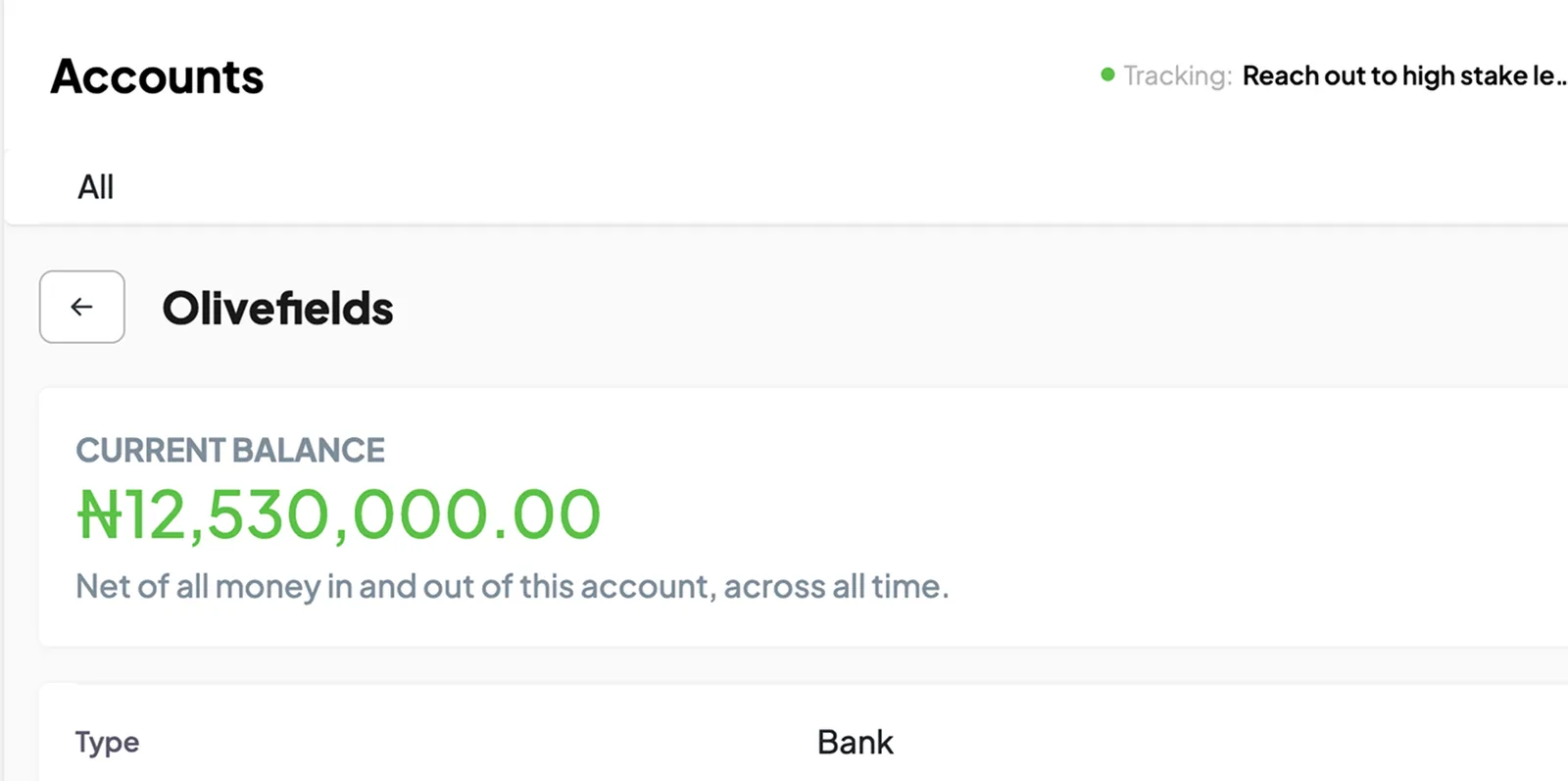
Accounts
Keep records of the business’s bank, cash and other accounts, with the activity entered against each.
work.390.me


When one person makes a sale and another handles payment or delivery, they need records they can both use. See how 390 Work helps your team manage the work and follow up on what is still pending.
Looking for a particular function? See all the modules.






If you give a staff member money for a purchase, record the amount and what it is for. As they submit expenses and receipts, you can check how the money was used and what they still need to account for.
Keep records of the business’s bank, cash and other accounts, with the activity entered against each.
Record sales and payments with the customer, items and payment method involved.
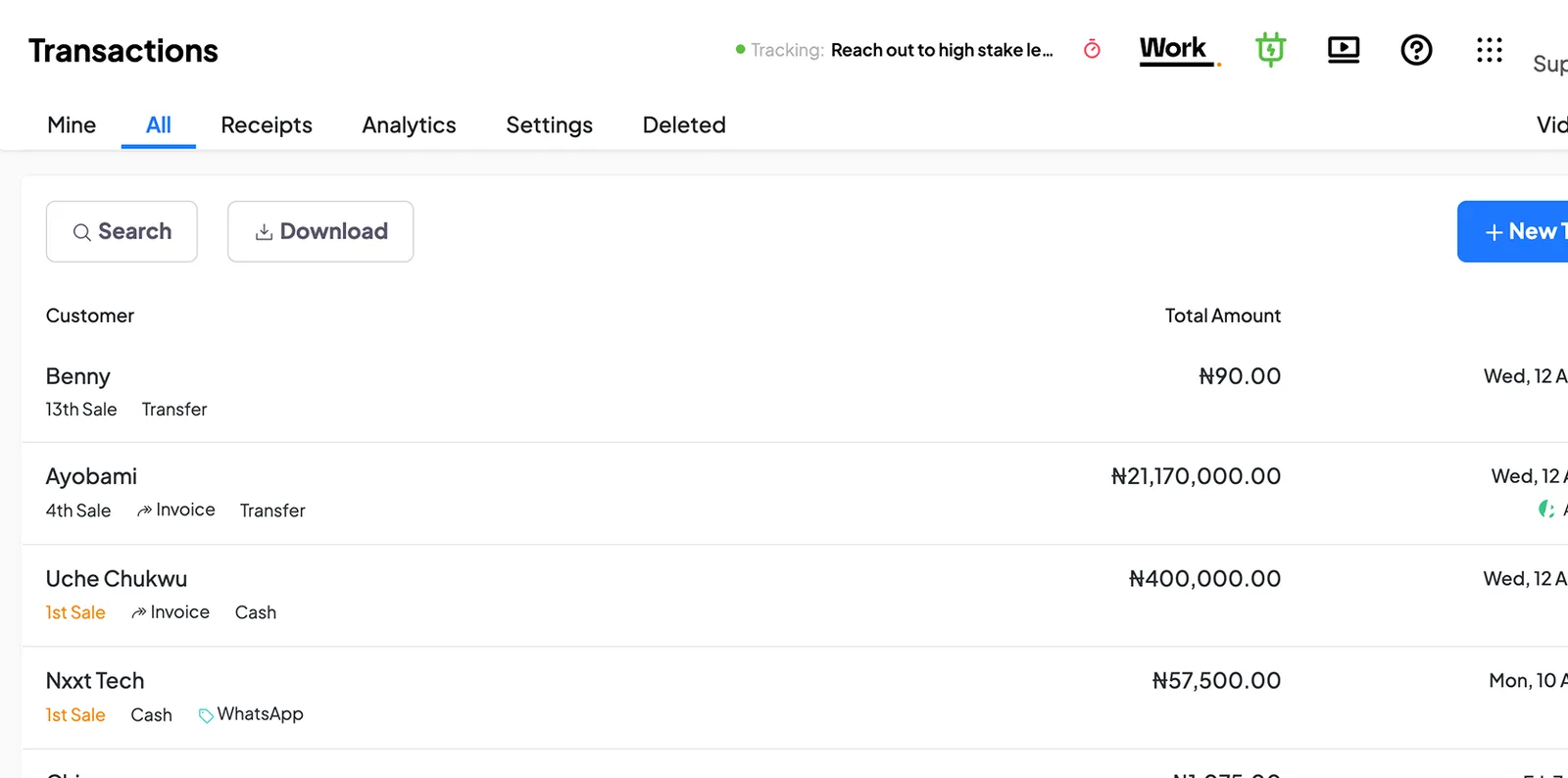
Record what was spent, what it was for and who spent it. Attach the receipt for reference.
Set a budget and compare the expenses recorded against it.
Check what customers owe and when payment is due, so you know who to follow up with.
Keep track of amounts owed to suppliers and their payment dates.
Follow money given to staff, the expenses they submit and the amount still to account for.
Give customers a receipt for the payments you record against their purchases.
Your salesperson prepares a quotation. When the customer agrees, the team raises an invoice, records payments and handles the order. Keep the details available to the people responsible at each stage.
Find a customer’s contact details and sales records before you respond or follow up.
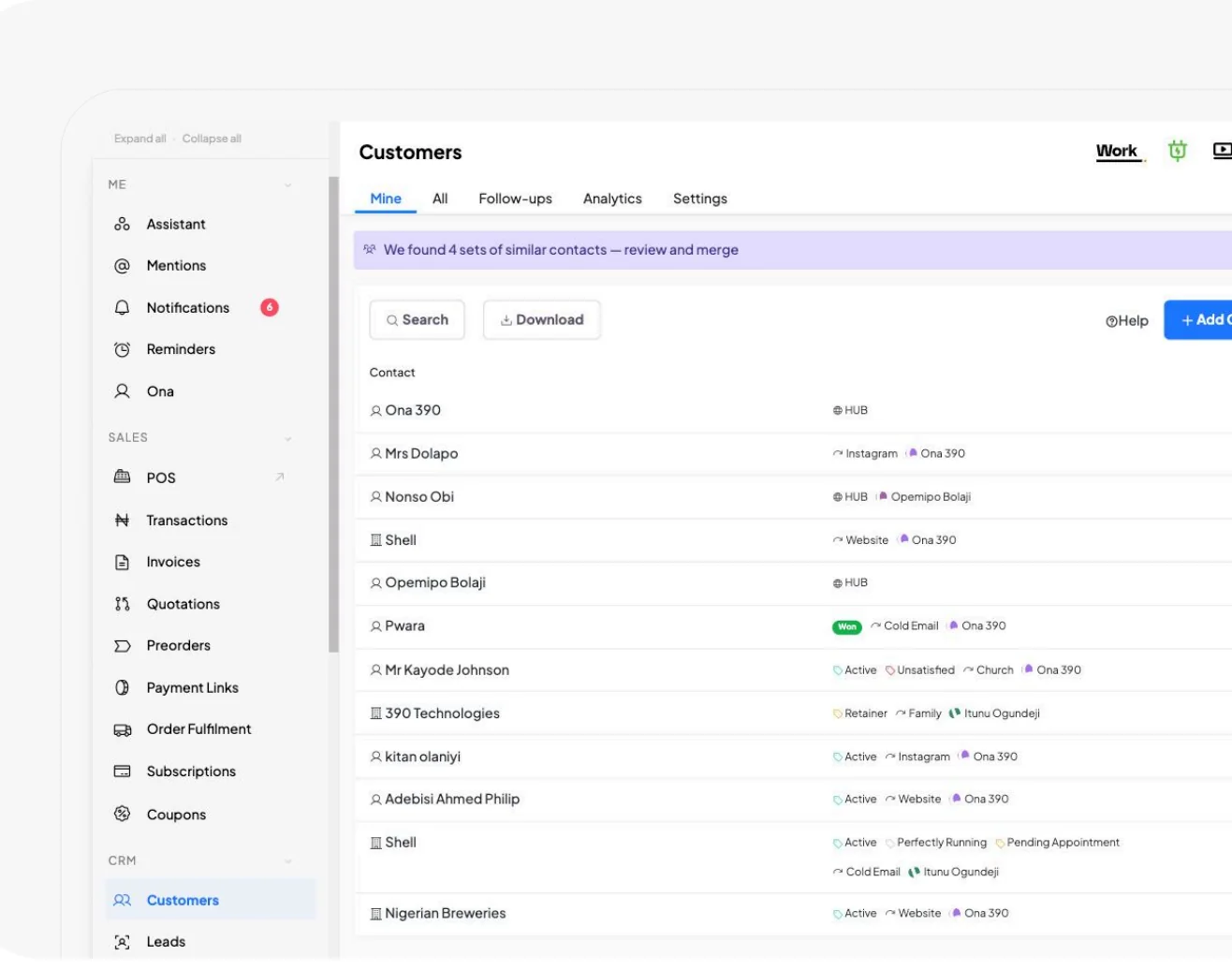
Record an enquiry, its current status and the person responsible for following up.
Add what you sell, with prices and photos, for your sales records and HUB page.
List the services you offer and their prices so your team uses the correct details.
Prepare a quotation showing what the customer is buying and how much it will cost.
Issue an invoice with a due date, then record full or part payments as they come in.
Keep order details together and update progress through your fulfilment stages.
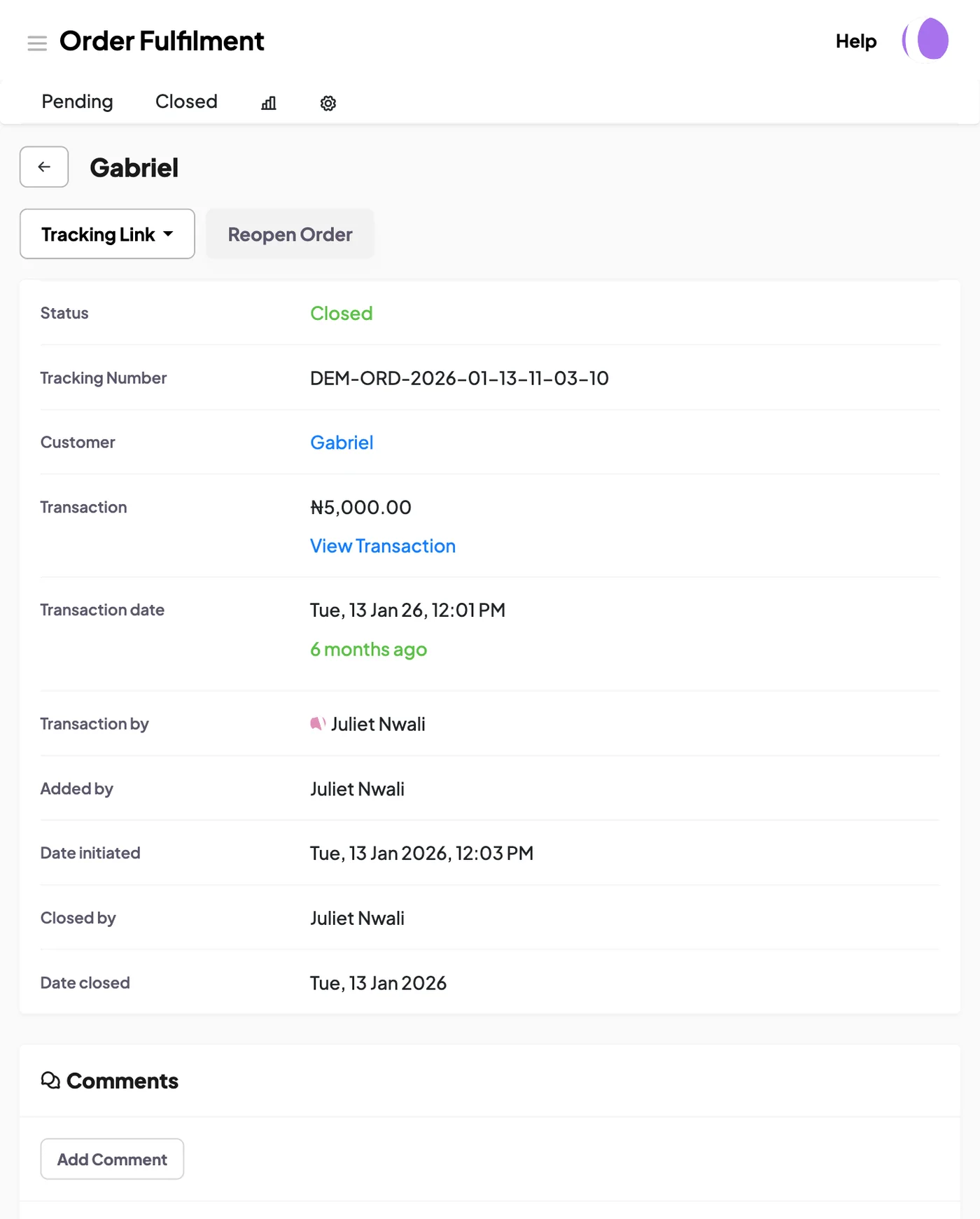
Record orders for goods that are not yet ready and follow their progress.
Check stock records, prepare a purchase order and record what arrives from the supplier. As staff sell or move items, keep the quantities updated so you can compare your records with what is physically available.
Keep supplier contact details and purchase records where your team can find them.
Record what you are ordering, the quantity and agreed price, then mark the order as received when the goods arrive.
Check stock quantities by location and review the movements behind them.
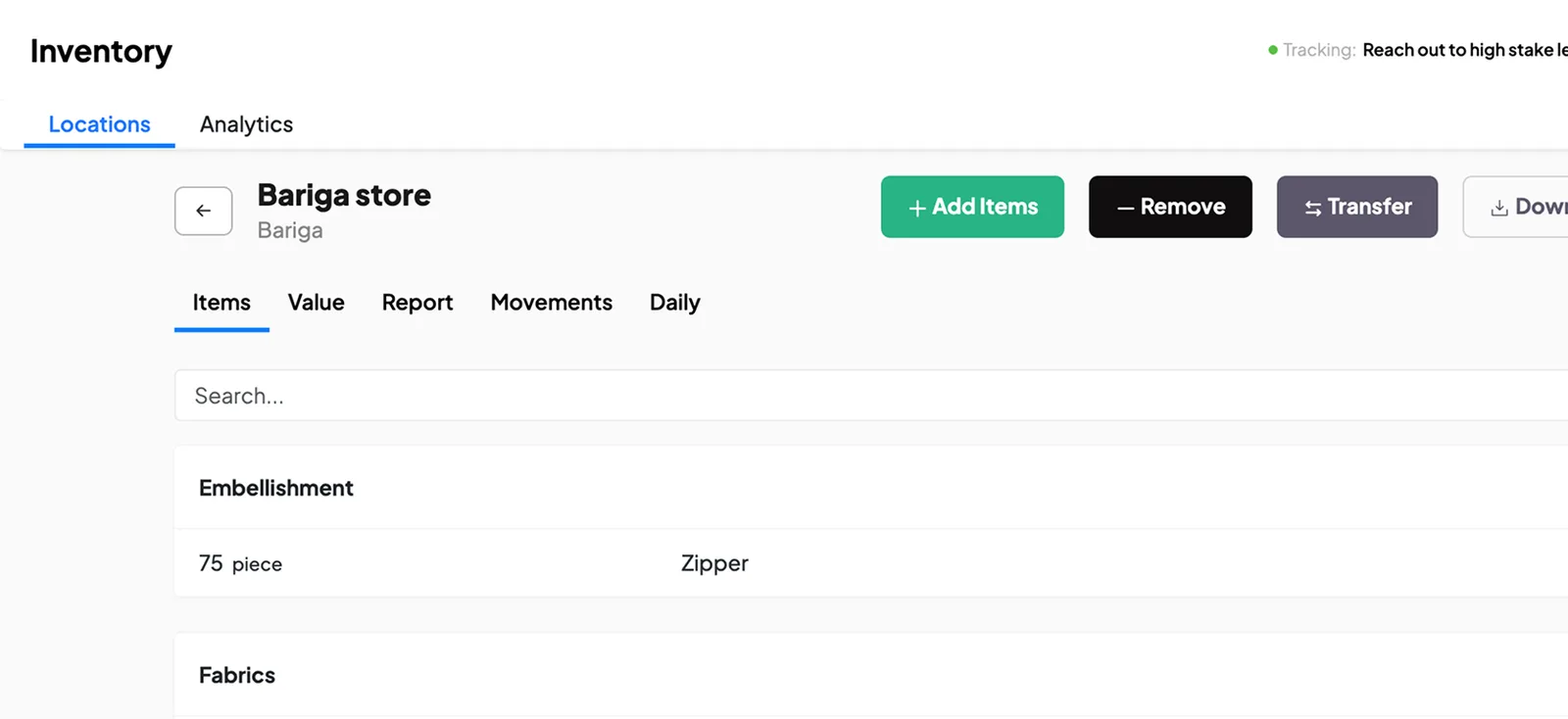
Keep records of items the business uses, such as packaging and cleaning materials.
List the materials used in production, with their units and costs.
Prepare the production order and the materials required. As the team works, record progress, material use and output so you can check the result against the plan.
Record the materials and quantities needed to make a product.
Plan what to produce, how much is needed and when it should be ready.
Give the team an instruction for the production work, with a responsible person and date.
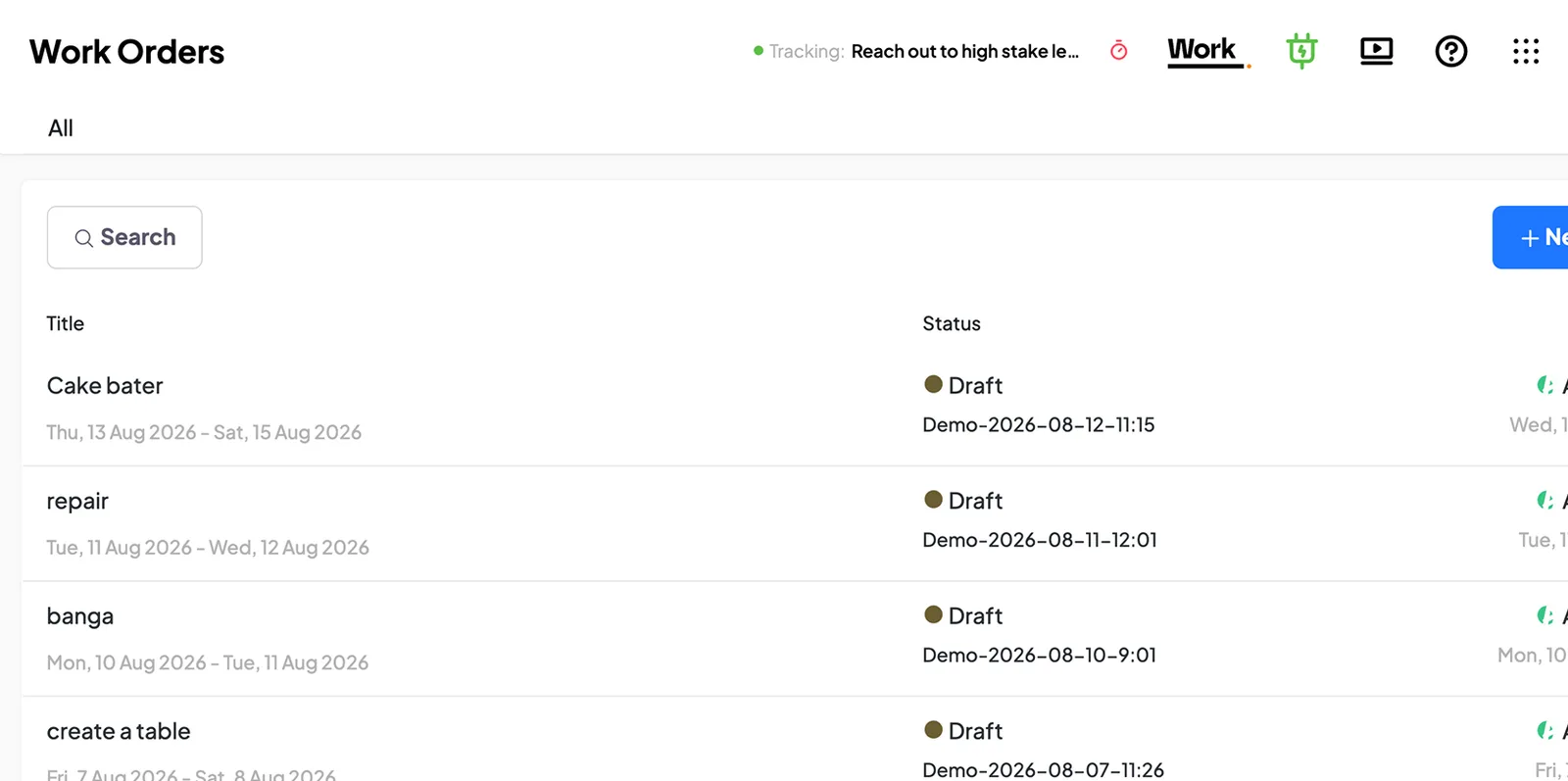
Keep records of partly finished products as they move between production stages.
Organise production records by the location, shift or department handling the work.
Assign a responsibility and set a deadline. Staff can update their progress, submit requests and keep the details available to the people reviewing the work.
Assign work, set a due date and follow its progress.
Submit a request to the person who should review it and keep a record of the decision.
Collect staff updates using the questions you want them to answer.
Review progress against the criteria you set and keep dated remarks.
Set reminders for work that needs following up or dates you need to remember.
Create a record with the fields you need, such as a vehicle log or licence register.
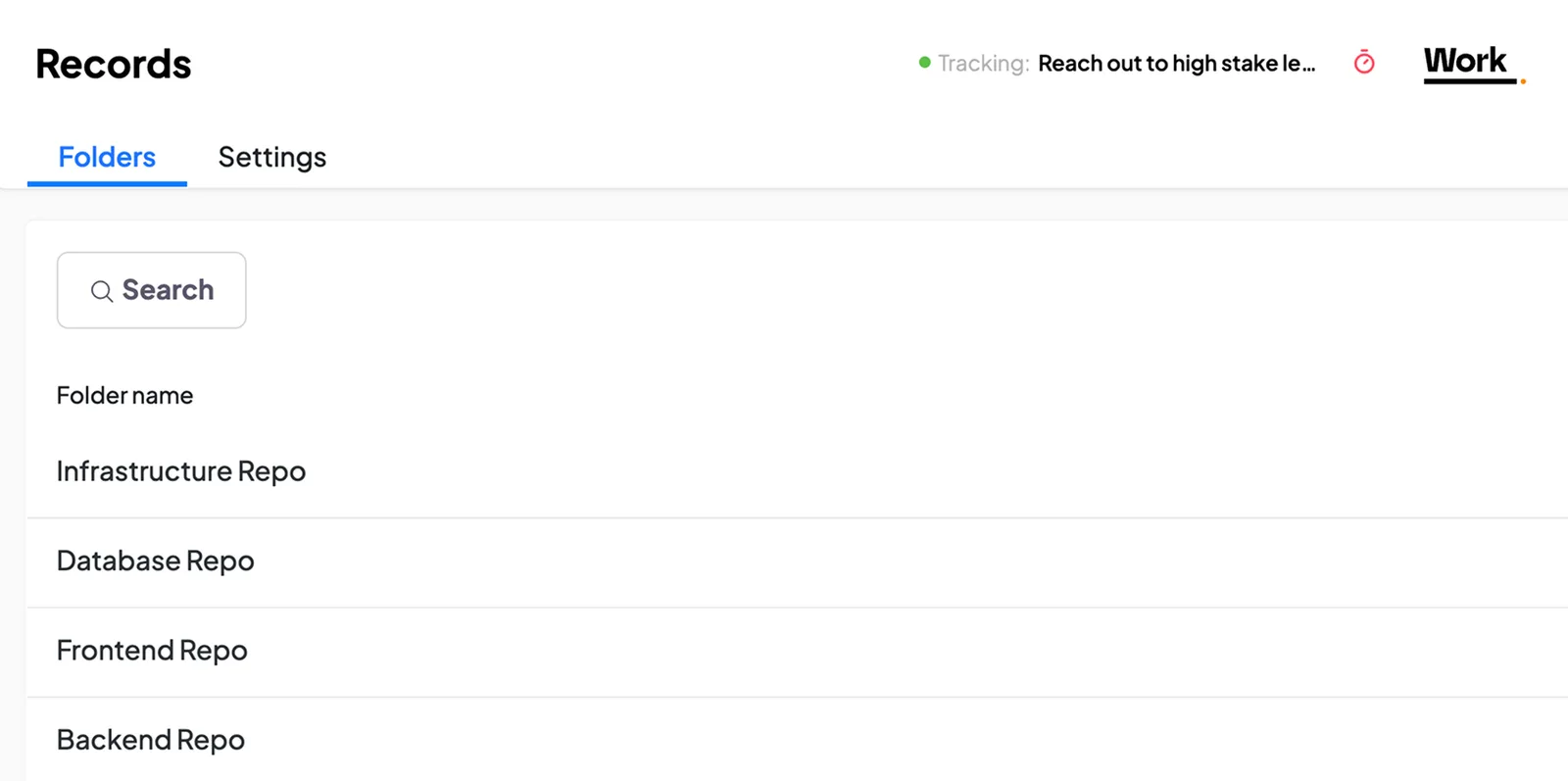
Keep employee details, roles, attendance and requests available to the people who manage them. Set access so staff information is handled by the appropriate people.
Keep staff details, job information and supporting documents together.
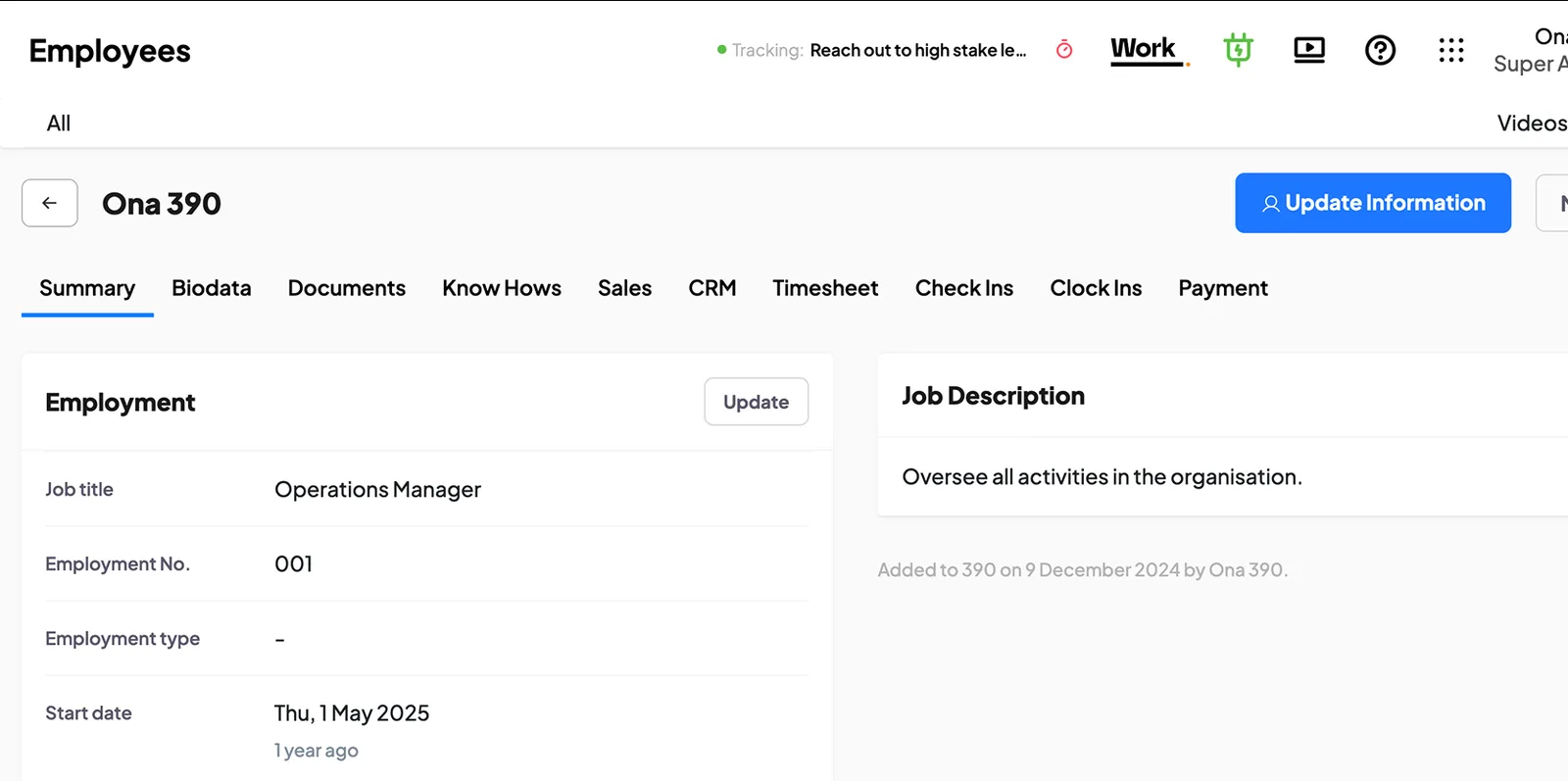
Record the positions in your business and the job and pay details attached to them.
Prepare payroll using the pay details recorded for your employees.
Keep leave records and review staff requests for time off.
Let staff record when they start and finish work.
Share company policies and ask staff to acknowledge them, including any later changes.
Set a goal, agree who is responsible and record the tasks needed to achieve it. For work that repeats, document the procedure so staff know the steps to follow.
Set a goal, name the person responsible and follow the tasks and progress attached to it.
Write down the steps and responsibilities for work your team does regularly.
Record your business’s strengths, weaknesses, opportunities and threats for discussion and planning.
Customers can use your HUB page to place orders, make bookings and get in touch. Your team handles the resulting work in 390, alongside the records it uses to run the business.
See orders placed through your HUB page and follow them up with your team.
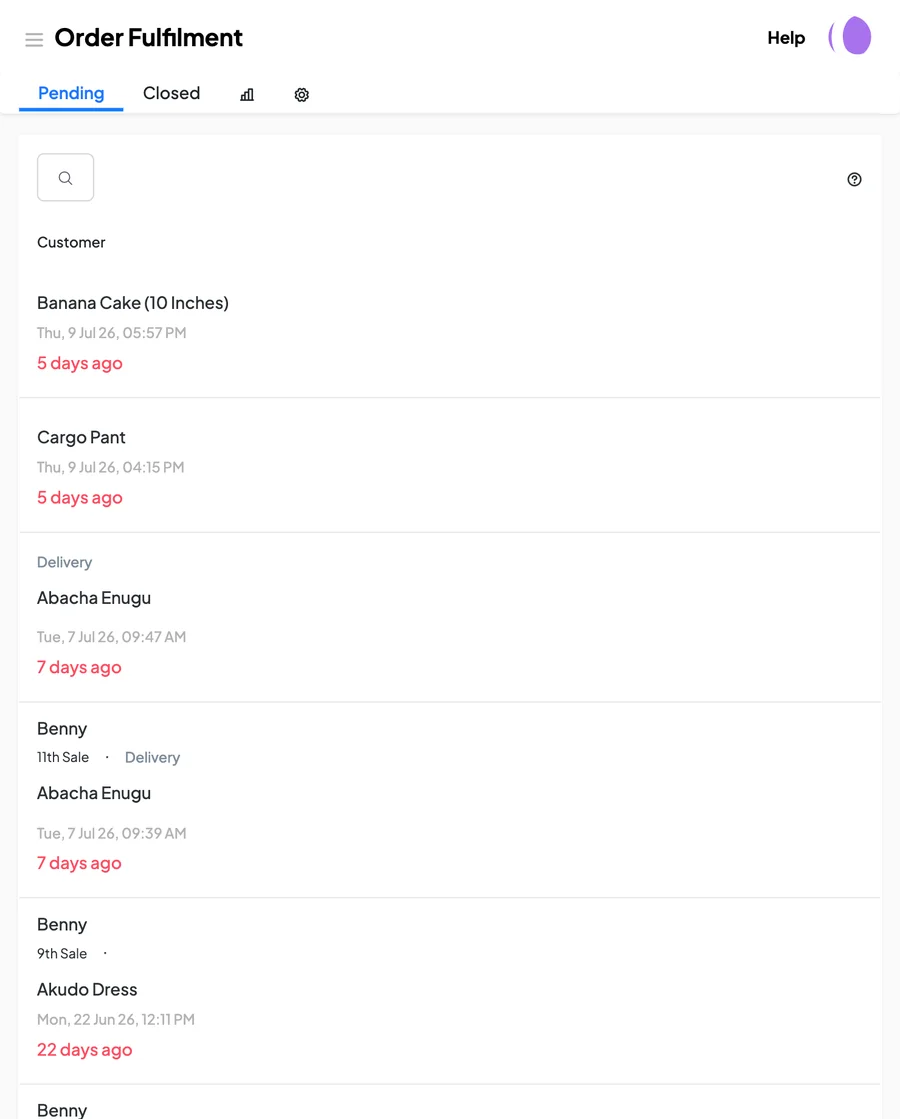
Receive service bookings for the days and times you make available.
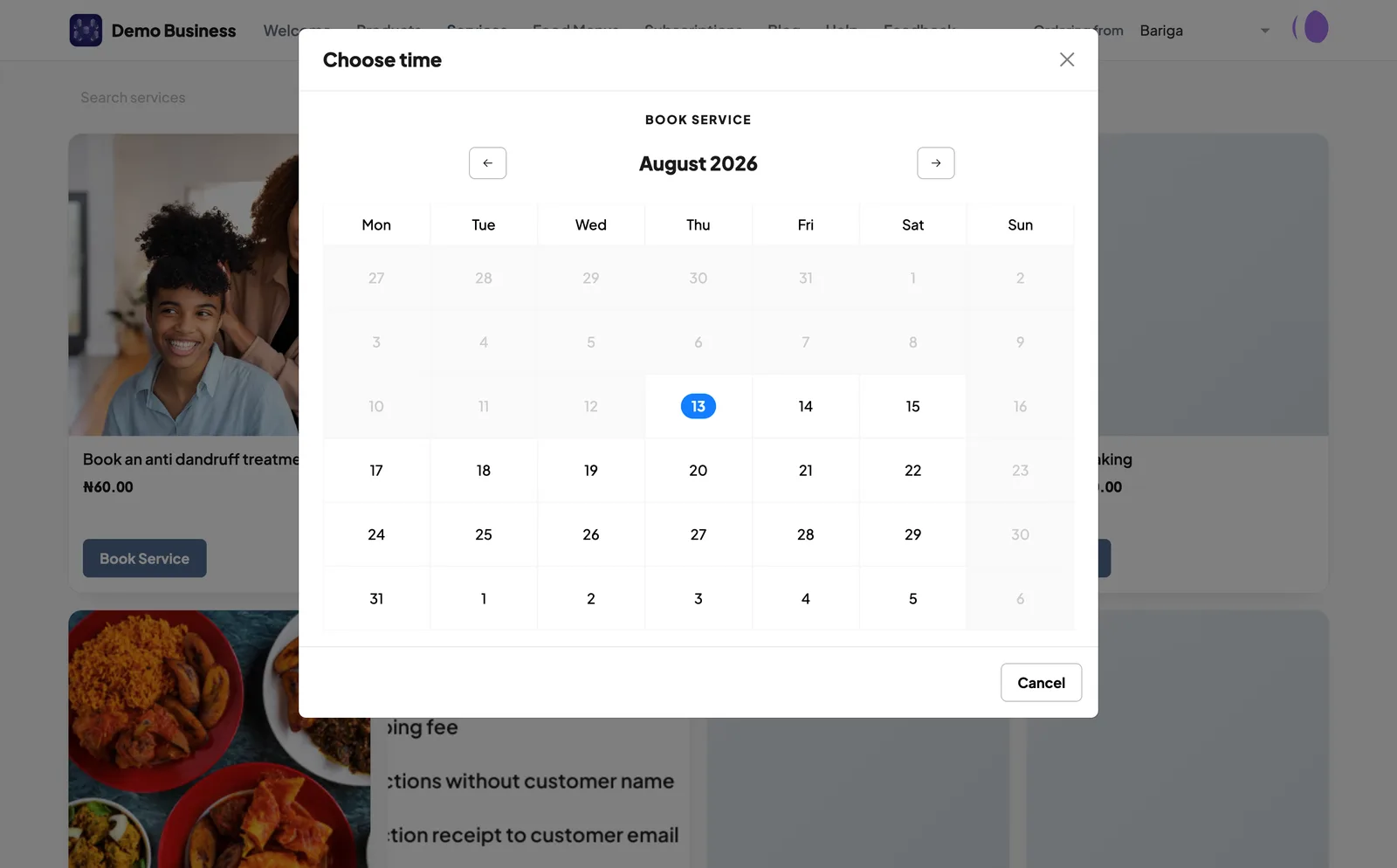
Keep track of scheduled appointments and the details your team needs to prepare.
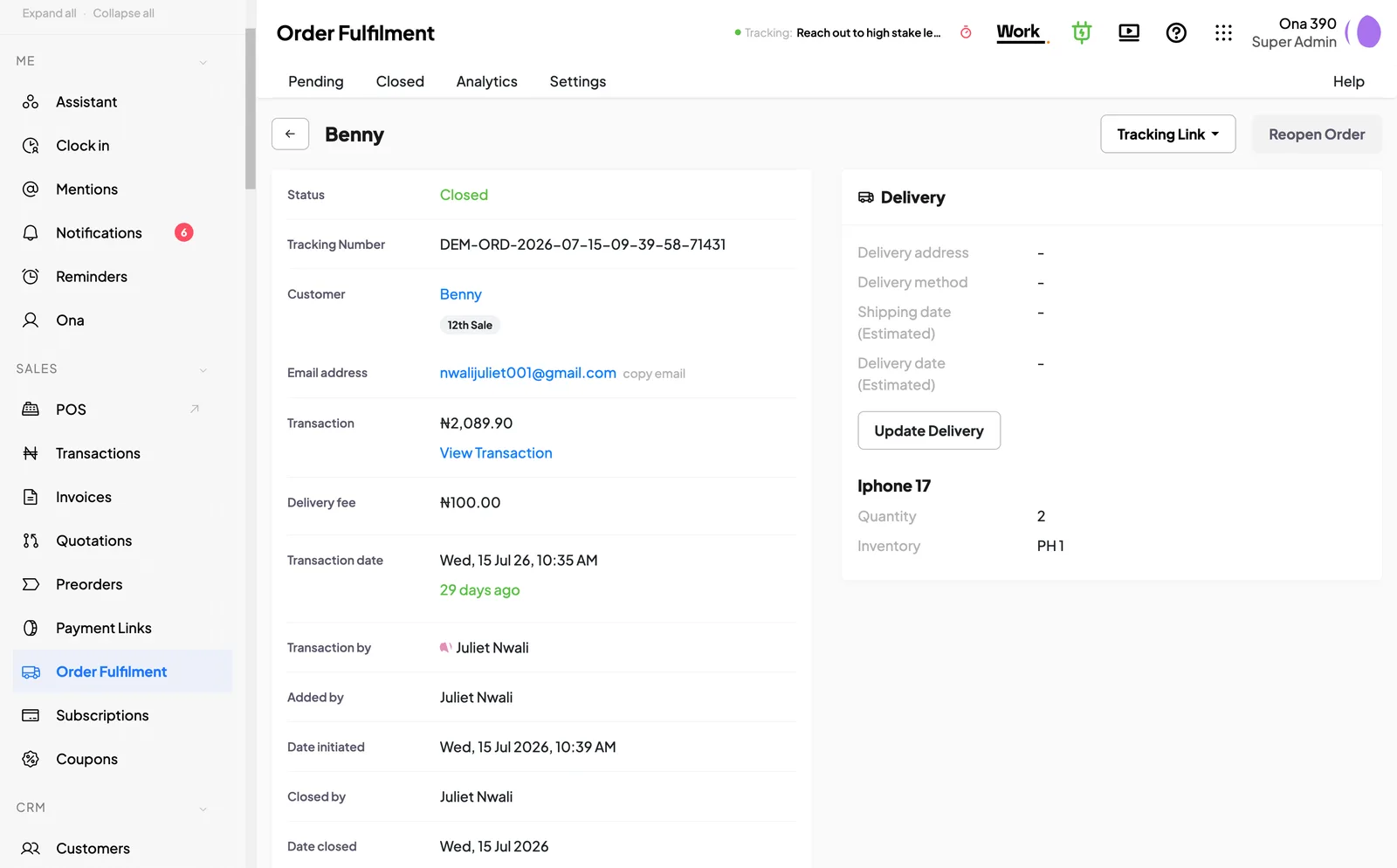
Update an order as it moves through preparation, dispatch or other stages you set.
Keep customer complaints, reviews and suggestions available for review and follow-up.
Collect the information you need through a form people can open and complete.
Publish useful articles and answers to common questions. Keep instructions available so people can check the details when they need them.
Publish articles and business updates on your HUB page.
Keep help articles and instructions for the people who need them.
Record the equipment your business owns, where it is used and who is responsible for it. Keep maintenance records so you can check what has been done and what it cost.
Keep each asset’s details, location and responsible person on record.
Record maintenance work, its cost and the next maintenance date.

As staff record their work in 390, you have more of the information you need to manage the business. You can check an amount, follow a request or review a team’s progress from the records behind it.
Vivian, founder of DozzaVille, shared this after the business started recording stock in 390 Work.
Start your free trial“On the first day of setting up 390 in our business, we used it to detect two pieces of missing chicken.”
Start a trial with the work you want to manage, or book a demo and tell us how your team handles it today.