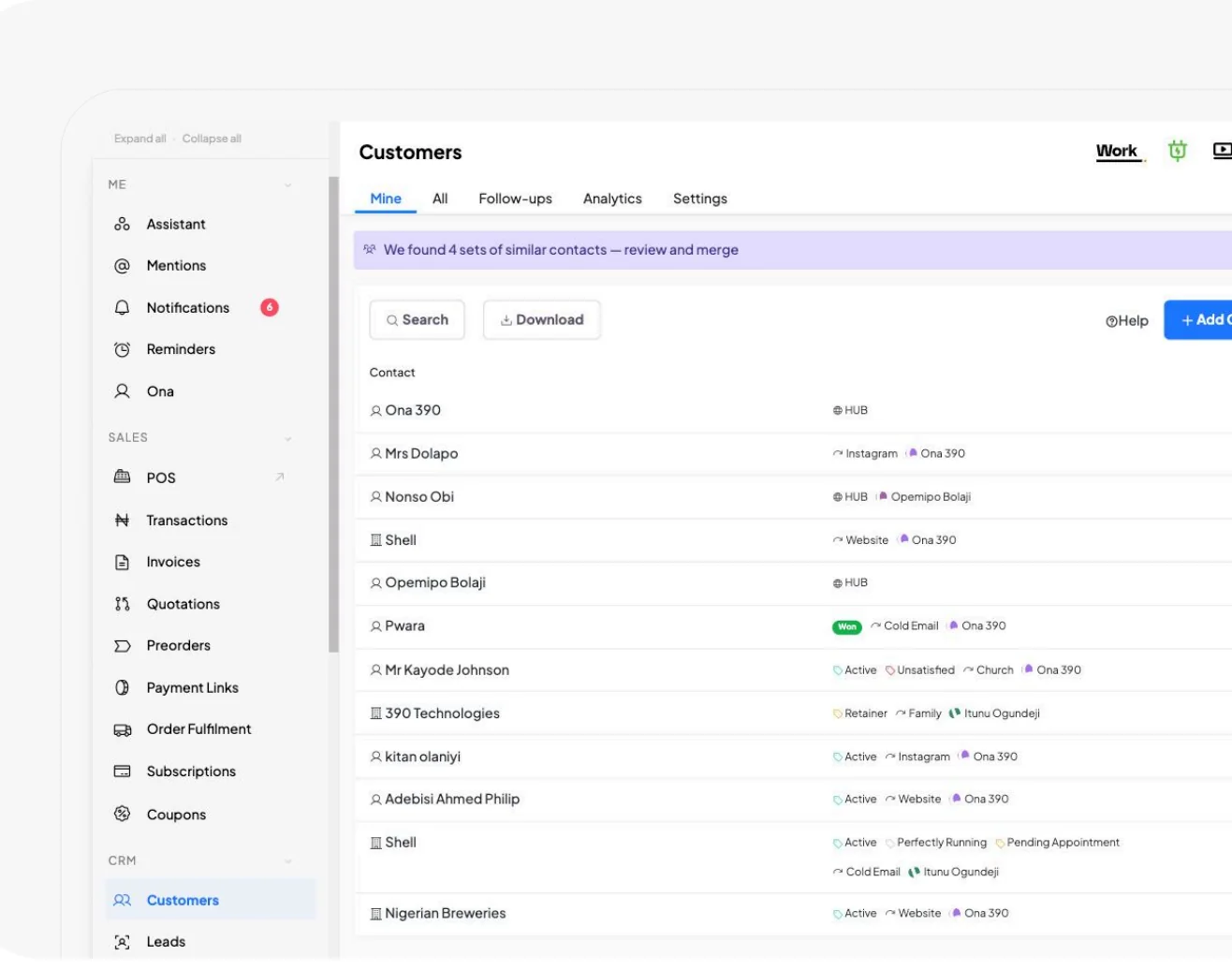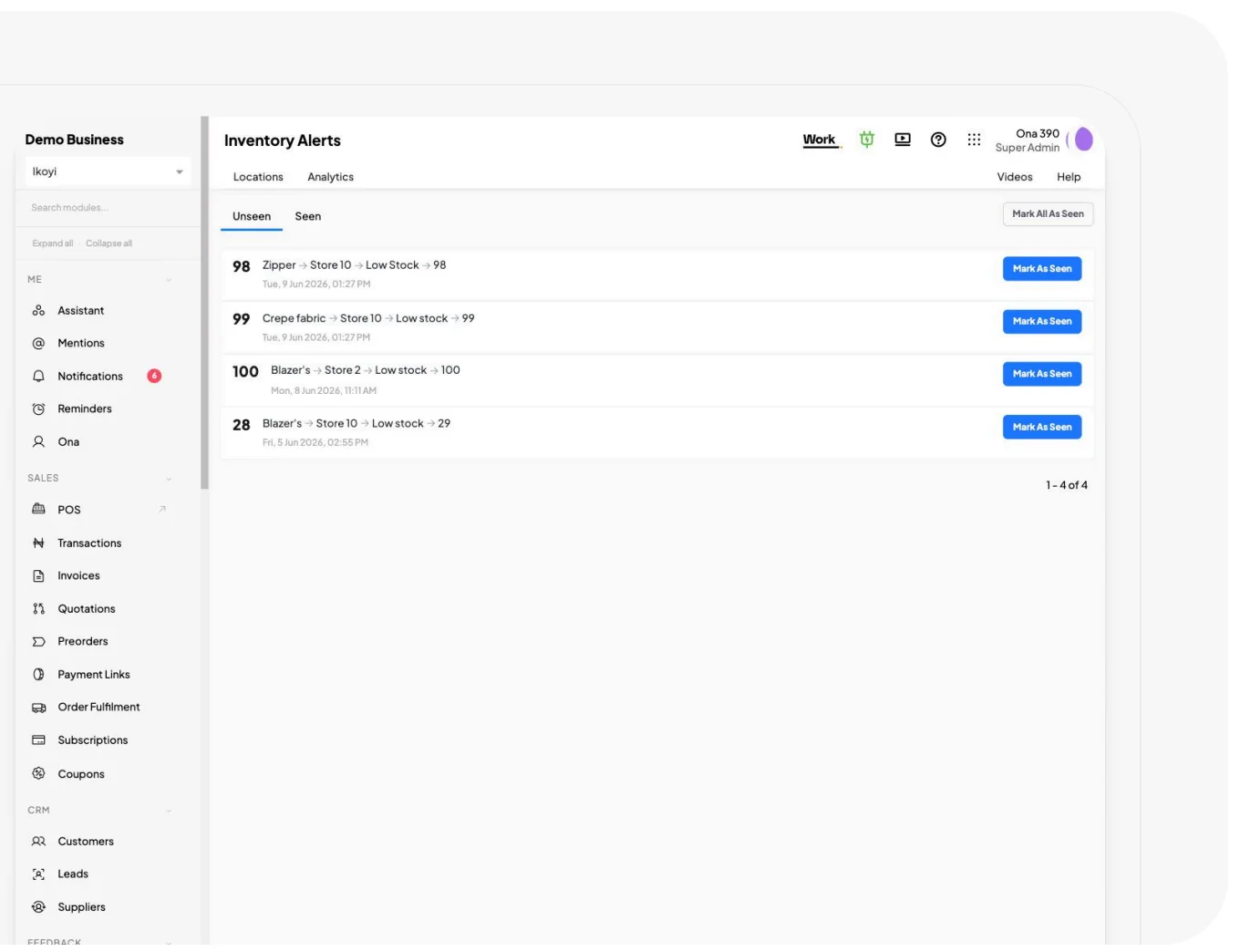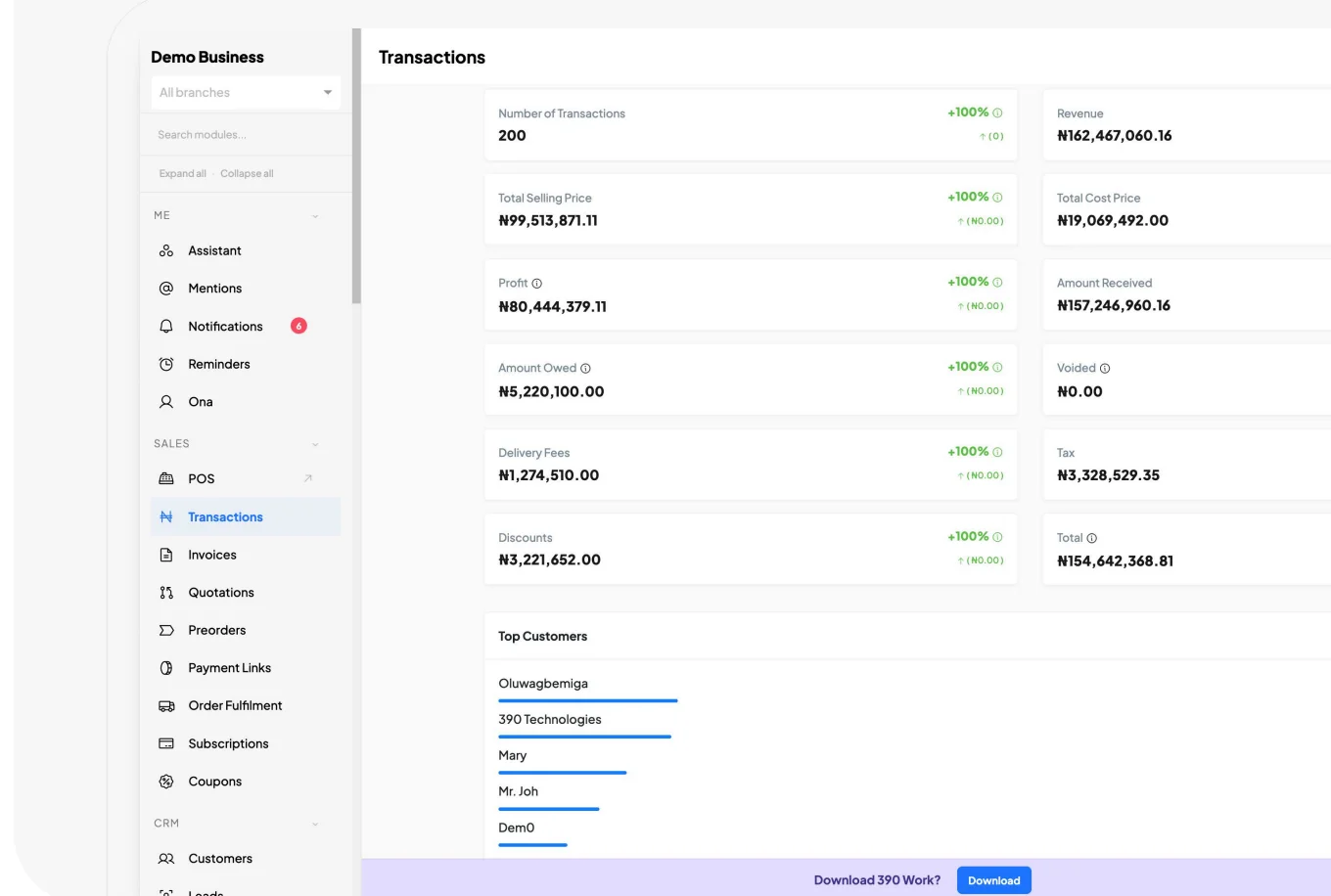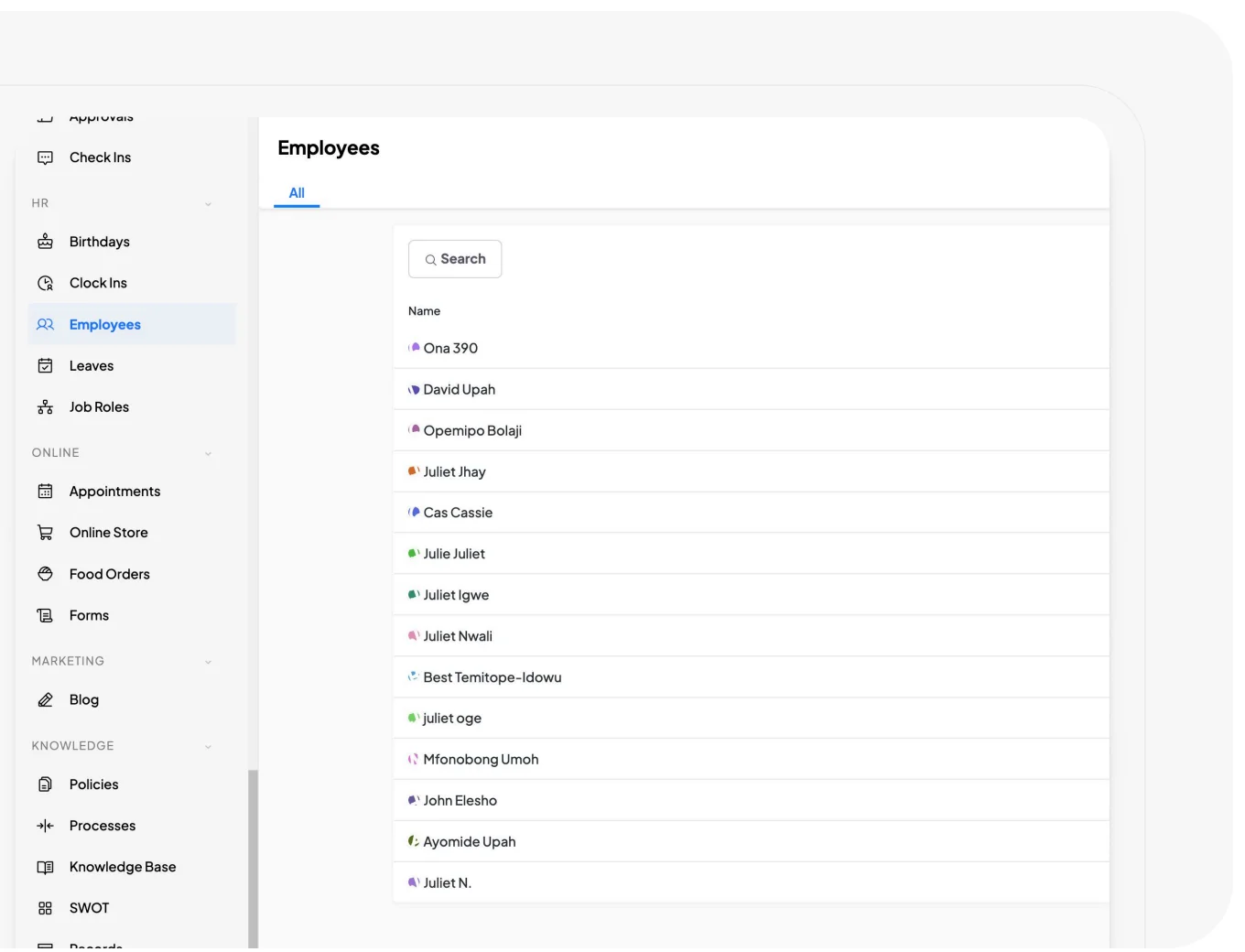

See what you can manage with 390 Work.

390 Work is business management software for your sales, customers, stock, expenses and staff. Explore the different parts and find what your team needs to run the business.

Which part of your business needs organising?

Choose an area to see what you can manage in 390.

Software for the work your team does every day.

Inventory and purchasing

Keep records of the products you sell, the materials you use and the suppliers you buy from. Check stock quantities by location and record purchases and movements as they happen.

Useful when you need to explain what came in, what went out and what is left.

Expenses and financial records

Record business expenses, customer debts and amounts owed to suppliers. Follow money given to staff for purchases and keep the receipts and details needed to account for it.

Useful when you need to check spending and know what is still unpaid.

Documents and operating processes

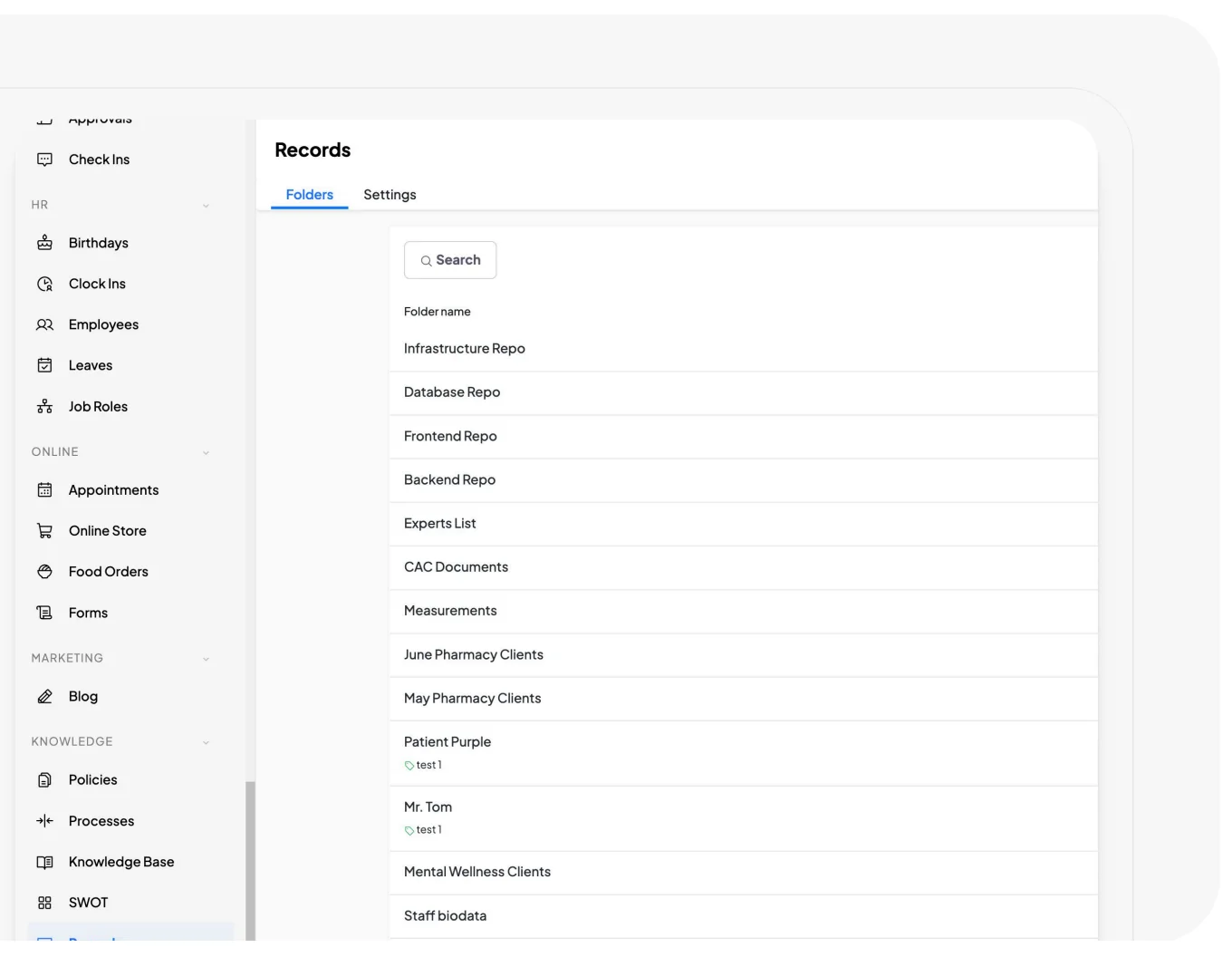
Write down how important work should be done and keep the instructions available to staff. Store policies, procedures and other business records where the people who need them can find them.

Useful when you want people to follow the same procedure, even as the team grows.

See how your team can use these together.

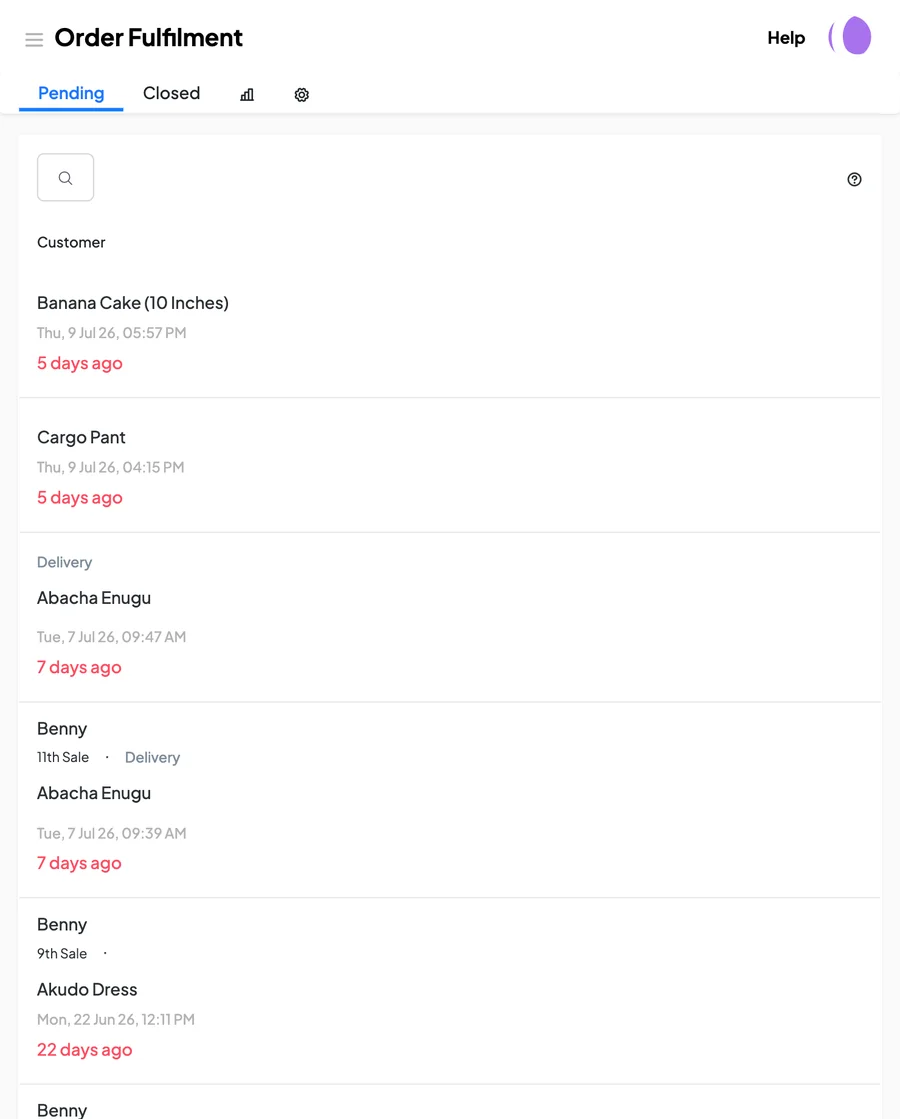
A sale may involve the salesperson, accounts staff and the person handling delivery. See how 390 helps them manage their part of the work.

See how to organise your operations
Records and reports

Check how the business is doing, with the records to explain it.

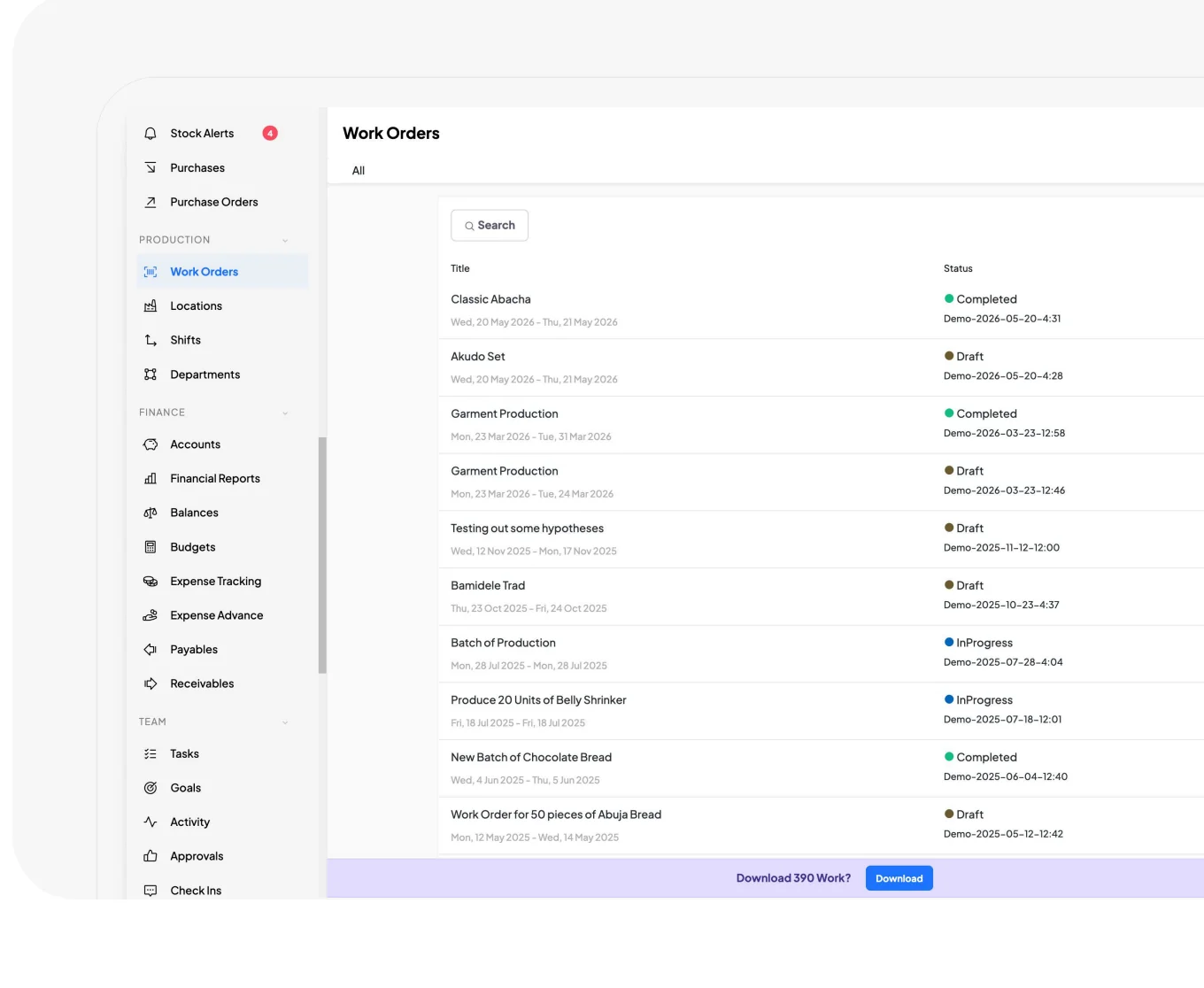
Review sales, spending, stock and pending work from the information your team records in 390. Open the details when you need to understand an amount, a delay or an outstanding payment.

See how your team can use the records
Sales activityProduction activityCustomer follow-upsReceivables and payablesStock alertsPending approvalsExpense activityFinancial reportsCheck-ins

Start with the part you need most.

You do not have to set up every part of 390 at once. Begin with one area, use it for actual work and add more as your team gets familiar with it.

See how to get started
The Getting Started checklist in 390 Work, with modules recommended to activate
What would you start with?
01

Sales and customers

Add a customer, then prepare a quotation or record a sale.

02

Inventory and purchasing

Add the products and locations you need, then enter the quantities already in stock.

03

Staff and responsibilities

Invite the people involved and give them access for the work they will handle.

04

Expenses and balances

Record an expense and check the payments still outstanding.

05

Production

Set up one production order and the materials needed for it.

06

Documents and processes

Add a procedure your staff need to follow and give them access to it.

Next steps

Tell us what you need the software to handle.

Book a demo and show us how you currently do the work. We will walk you through the relevant parts of 390. You can also start a trial and try it with your team.

21 days free. No card required.

Need help getting started?See your setup options.
Ready to try 390?Start your free trial.
Have a question?Speak to our team.