Browse and order products
Show prices and product details so customers can choose what to order without asking your staff about each item.
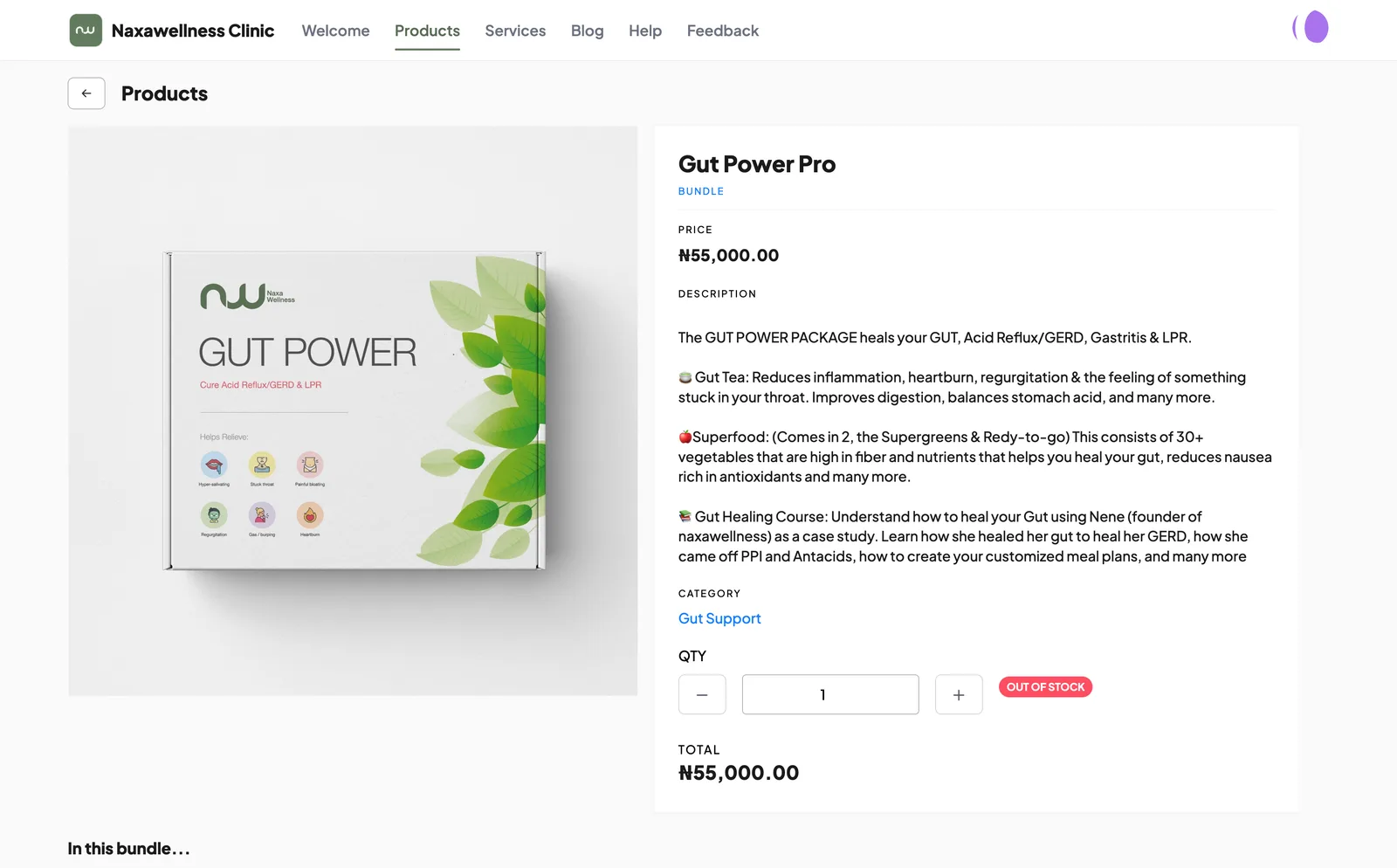


Give customers a page to browse, pay and contact your business. Orders and bookings arrive in 390 Work for your team to handle.
Included with an active 390 Work subscription.
Choose the sections that fit what your business sells and how customers reach you.
Show prices and product details so customers can choose what to order without asking your staff about each item.
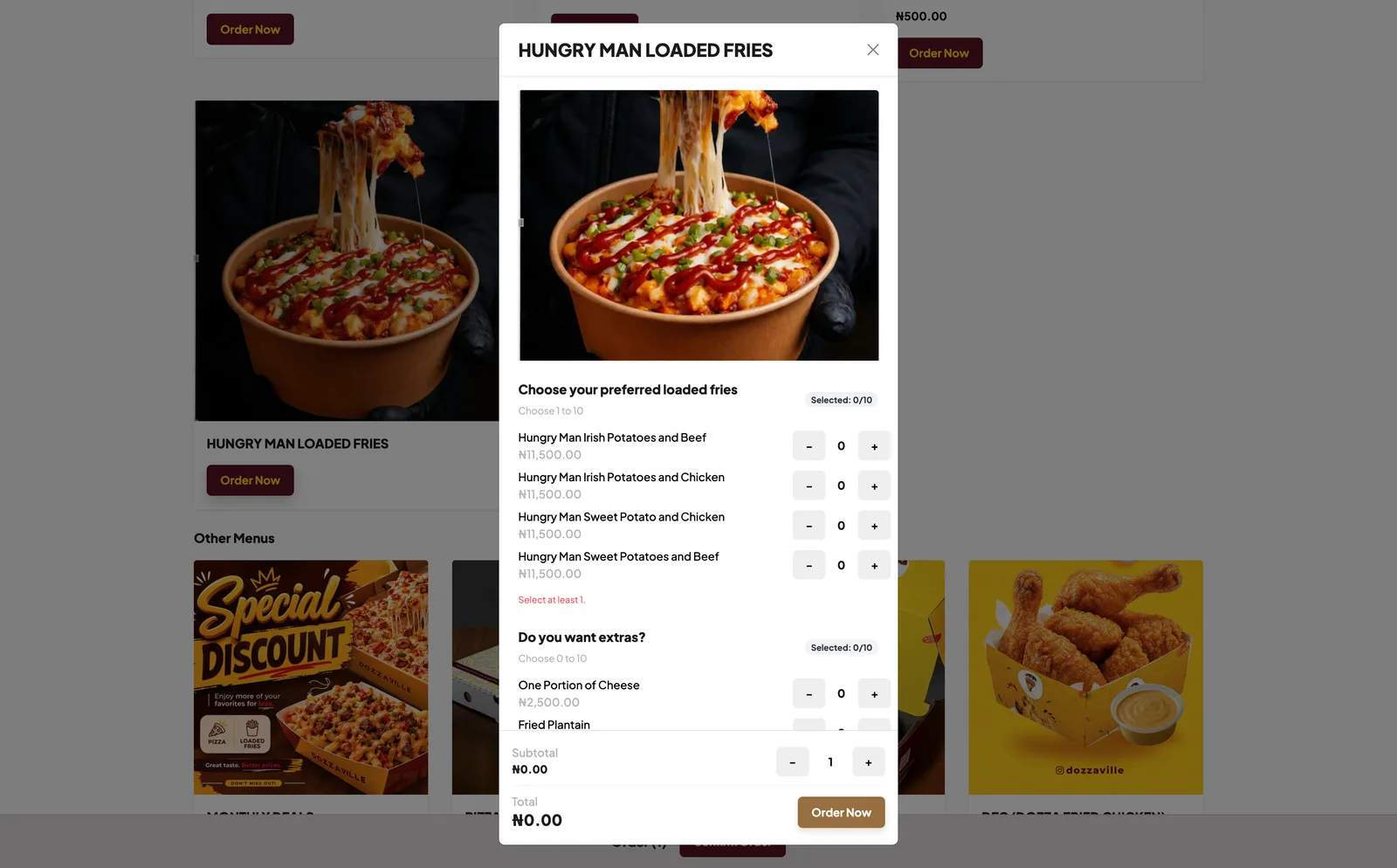
Let customers choose food items and available options, and give the delivery or pickup details your team needs.
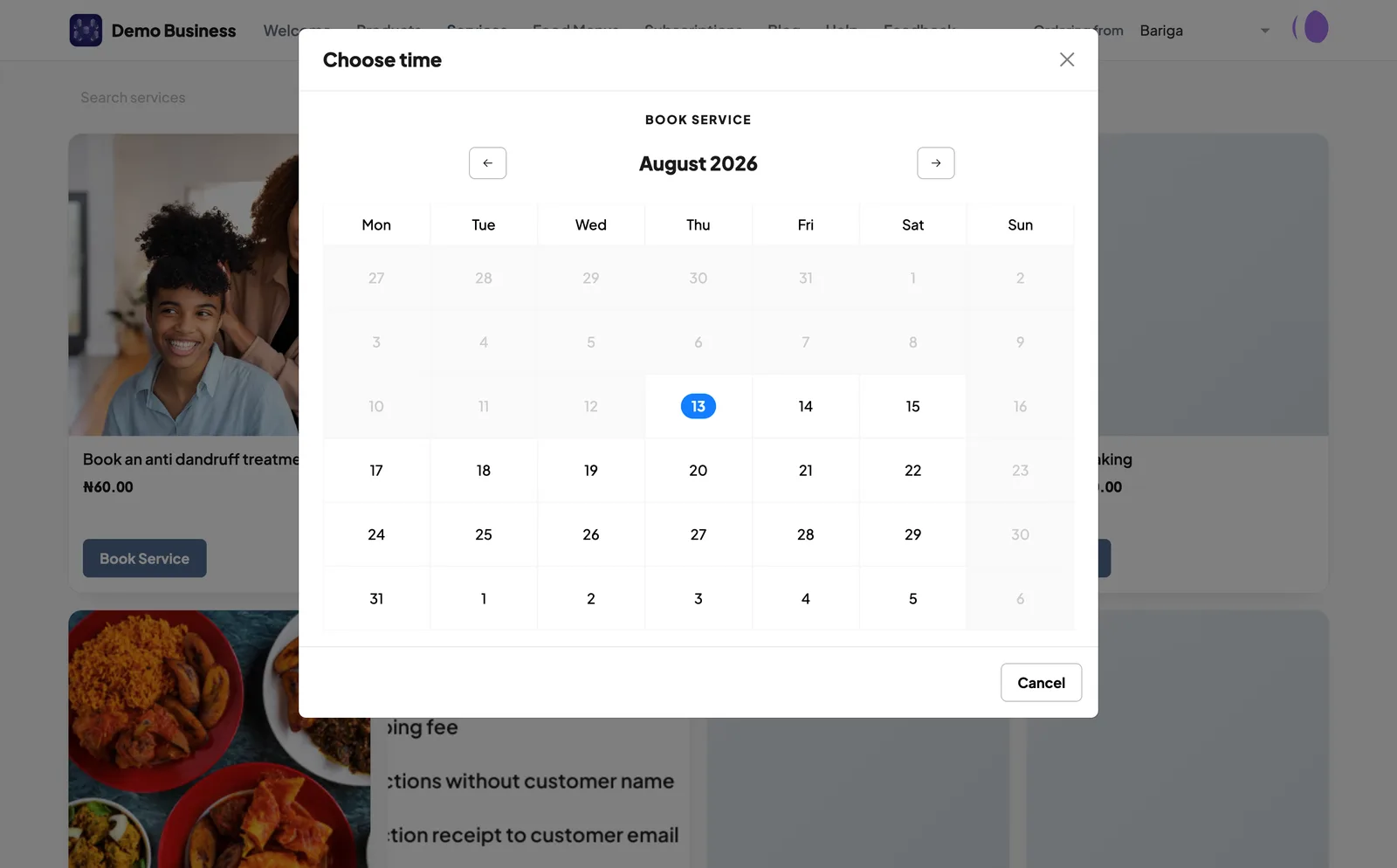
Show your services and available dates and times, so customers can choose a slot and your staff can prepare for the appointment.
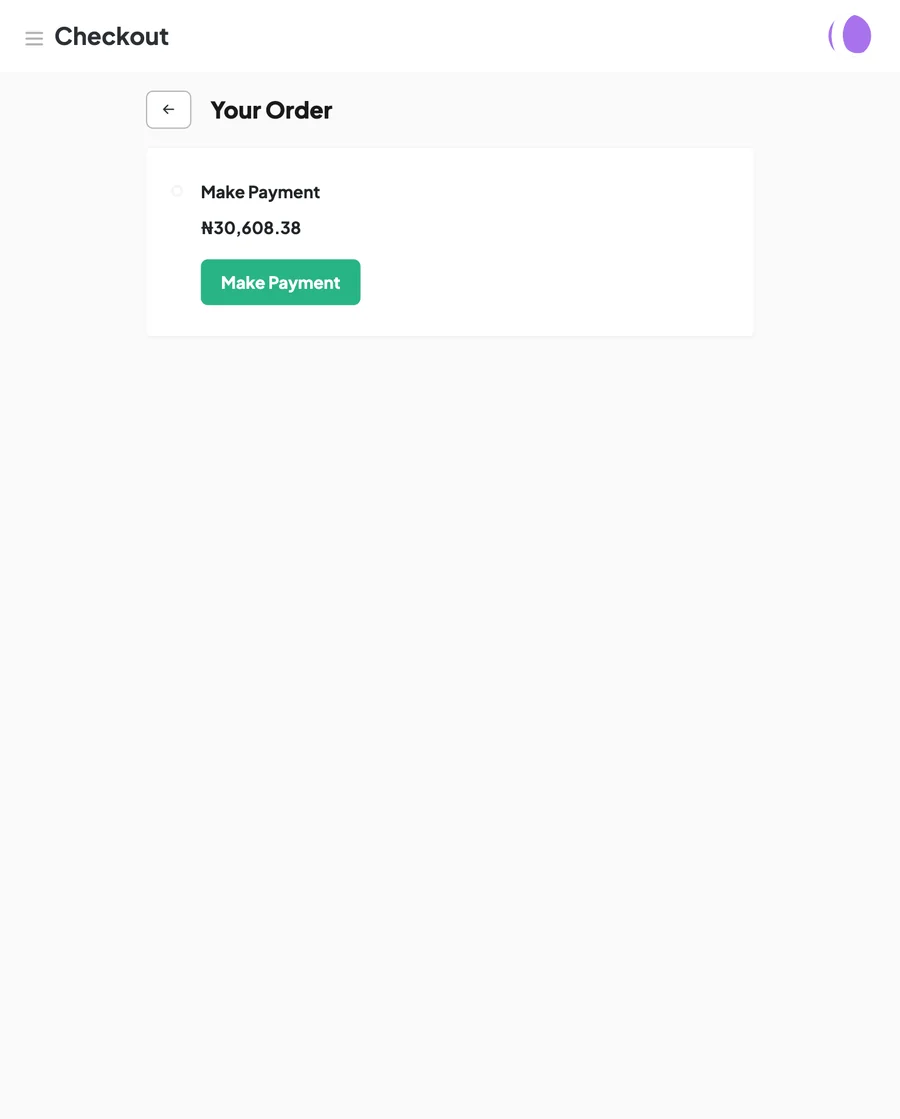
Customers can pay through your HUB checkout, with the payment recorded against their order.
Share contact details, policies and answers to common questions, so customers can find them when they need them.
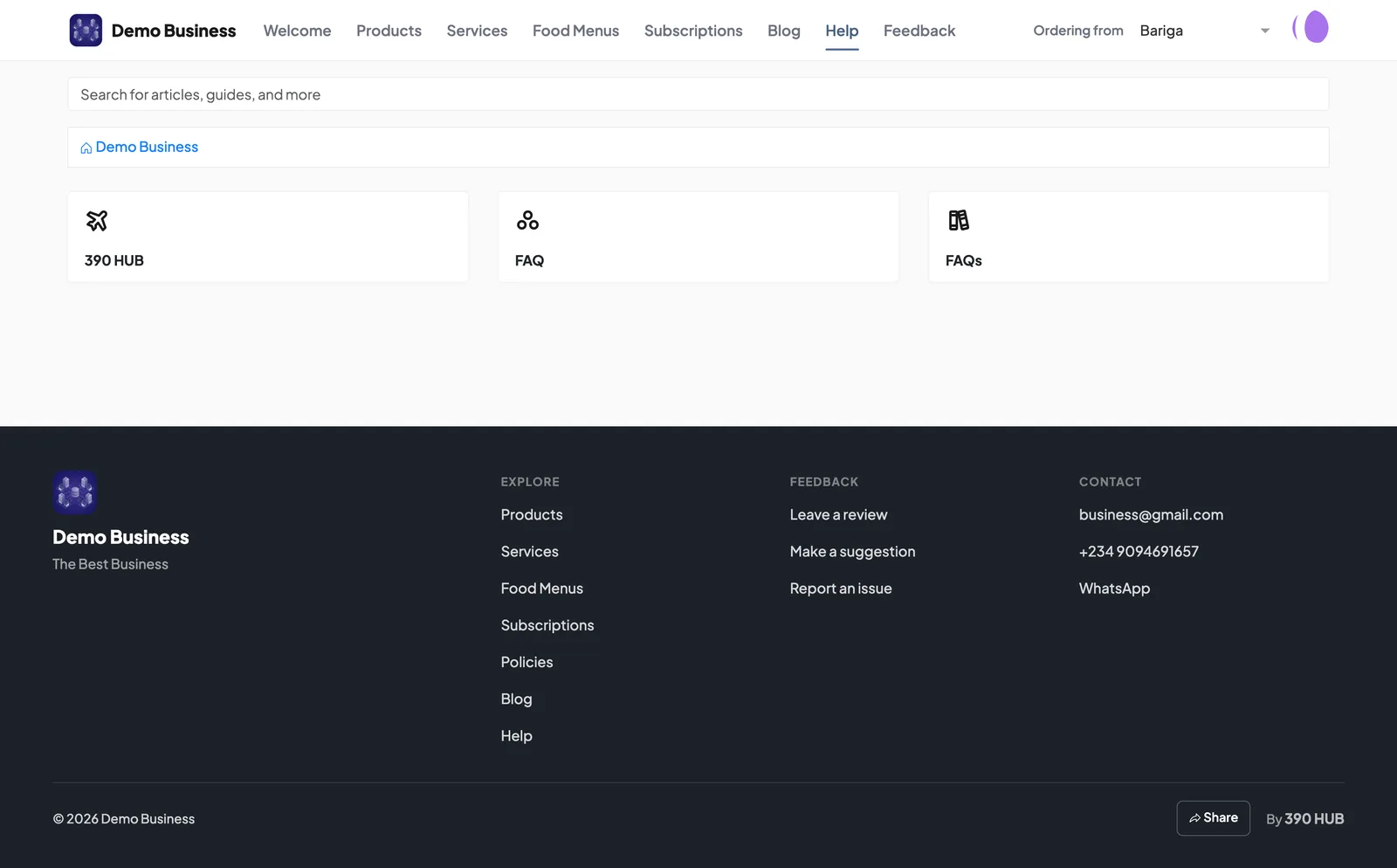
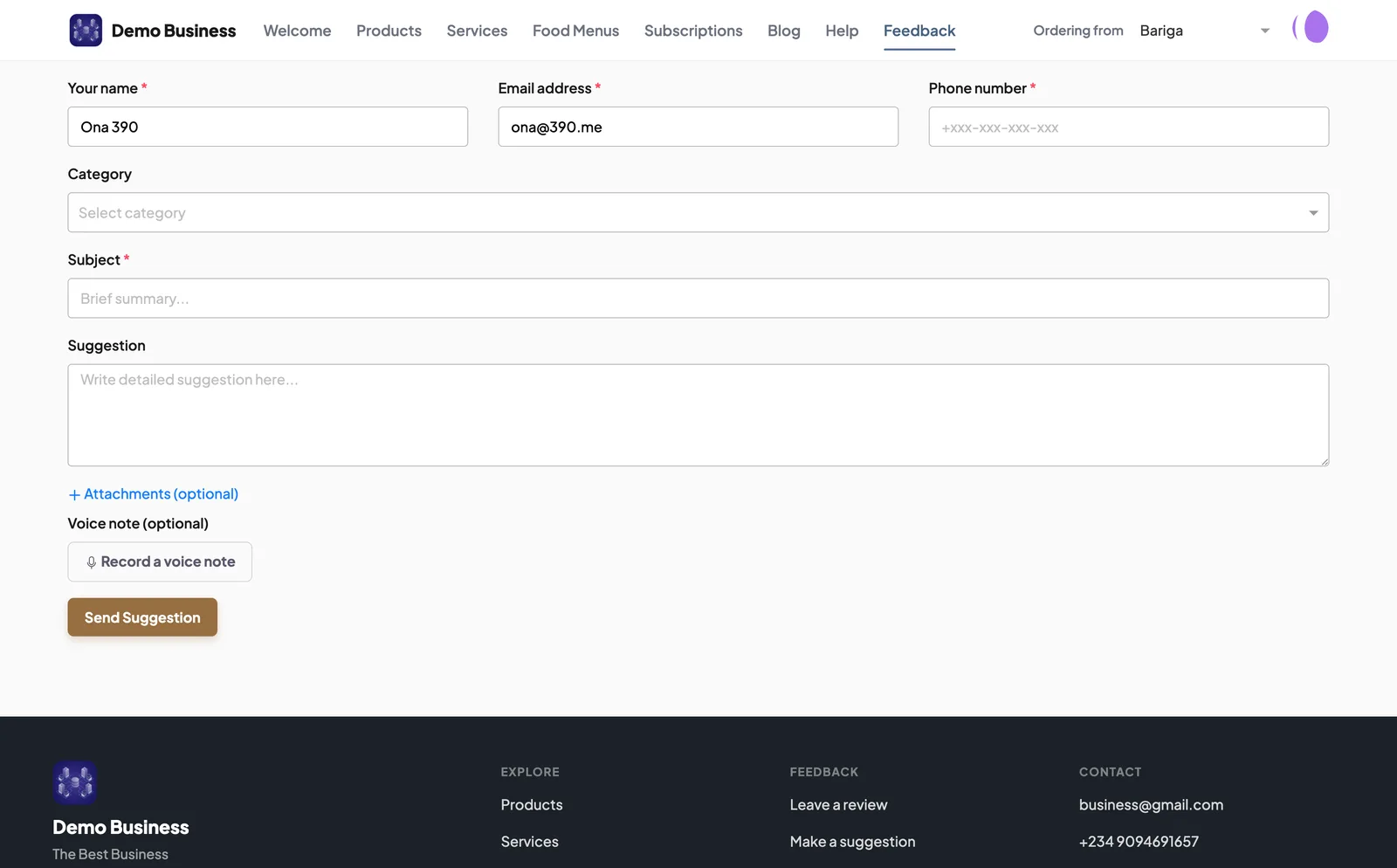
Give customers a way to leave a review, make a suggestion or explain a problem. Your staff can review what they send and follow up.
Keep your page up to date and use its reports to decide what needs attention.
Review visits, product views and paid online orders to understand how customers are using your HUB page.
Let customers choose the branch they want to order from, and keep each branch’s orders separate.
Customers can sign in to review their previous orders and the details available for each one.
Update the products, services, prices and business details shown on your HUB page from 390 Work.
Add your Meta Pixel ID in 390 Work to review page views, product views, add-to-carts, checkouts and purchases in Meta Events Manager.
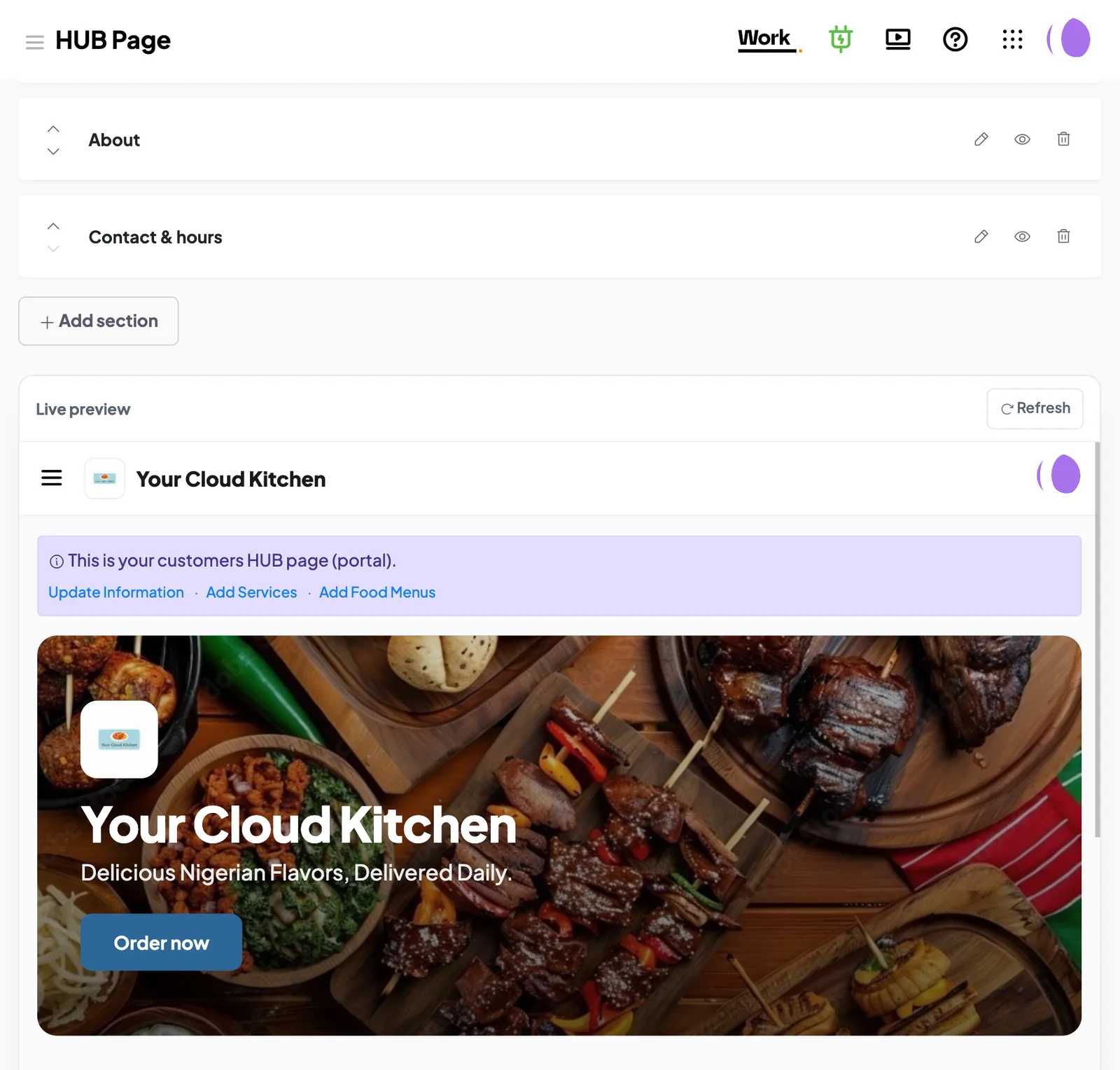
Add your logo, products or services and contact details. Choose the information customers can see and update it as your business changes.
Customers place orders, make bookings and send enquiries through HUB. Your staff handle the work in 390 Work, with the customer details and records they need.
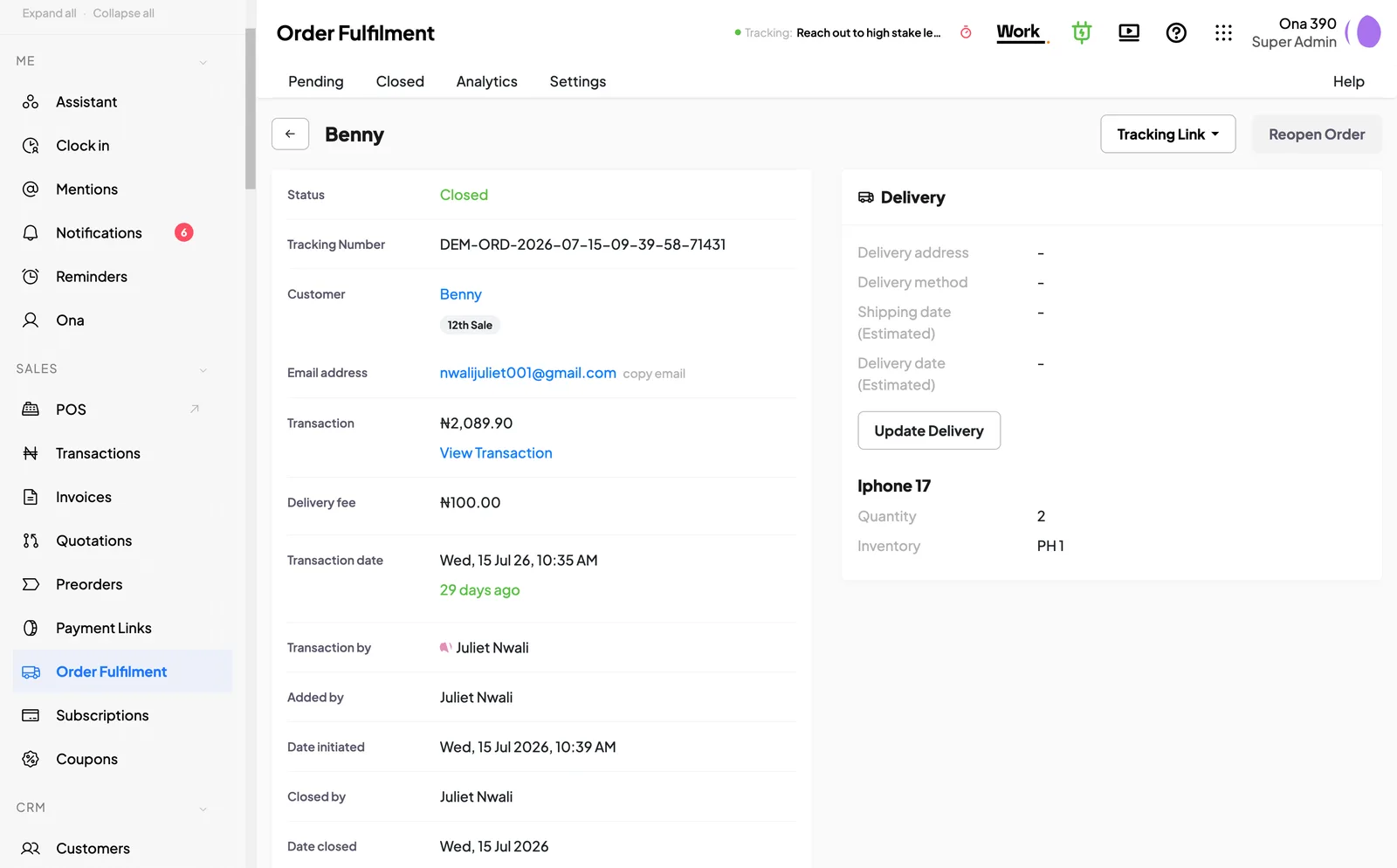
You need an active 390 Work subscription to use HUB. There is no separate HUB subscription.
A ₦50 platform fee applies to each paid online order, with payment processing fees charged separately.
The included users are members of your staff who sign in to 390 Work. Customers using your HUB page do not use those seats.
From: ₦25,000 per month.
One full user included per business, with a minimum charge for two. Additional full users cost extra. Prices exclude 7.5% VAT. Guided and Advisory include the same currently available Work modules and HUB.
HUB is included with Work. A ₦50 platform fee applies to each paid online order through HUB; payment processing fees are separate.
They follow the link you shared and browse what you sell.
They select products and any available options.
They provide the required order details and pay through the checkout.
The order and its payment status are available in 390 Work.
The staff responsible prepare the order and update its status as it progresses.

Share one HUB link for customers to use whenever they want to return.
Add the information customers need, check your page and share the link when you’re ready.
HUB is included with 390 Work.