
Choose what you want to improve
If quotations are difficult to find and you are not sure which customers have paid, start there. Make keeping a clear record of sales and payments your team’s first use of 390.
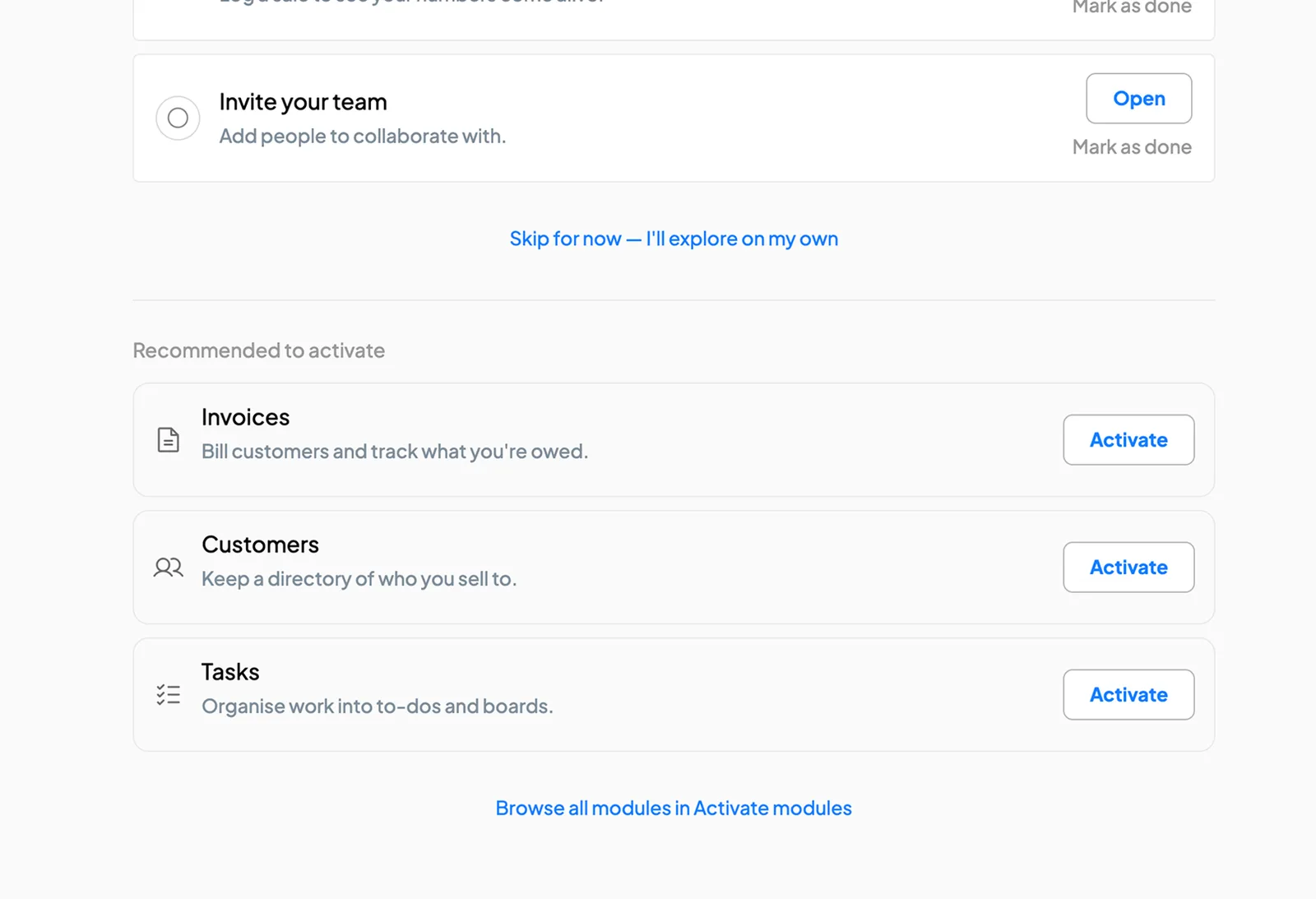


Choose one part of the business, such as sales, stock or expenses. Add the information it needs, give the people involved access and start using 390 for that work. You can bring in more as the team gets familiar with it.
21 days free. No card required.
You do not need to move the whole business at once. These steps give you a practical place to begin, at a pace your team can manage.
Here is how your team could begin using 390 for quotations, invoices and customer payments.
If quotations are difficult to find and you are not sure which customers have paid, start there. Make keeping a clear record of sales and payments your team’s first use of 390.
Enter your business details, the customer and the products or services involved. Check the prices before preparing the quotation.
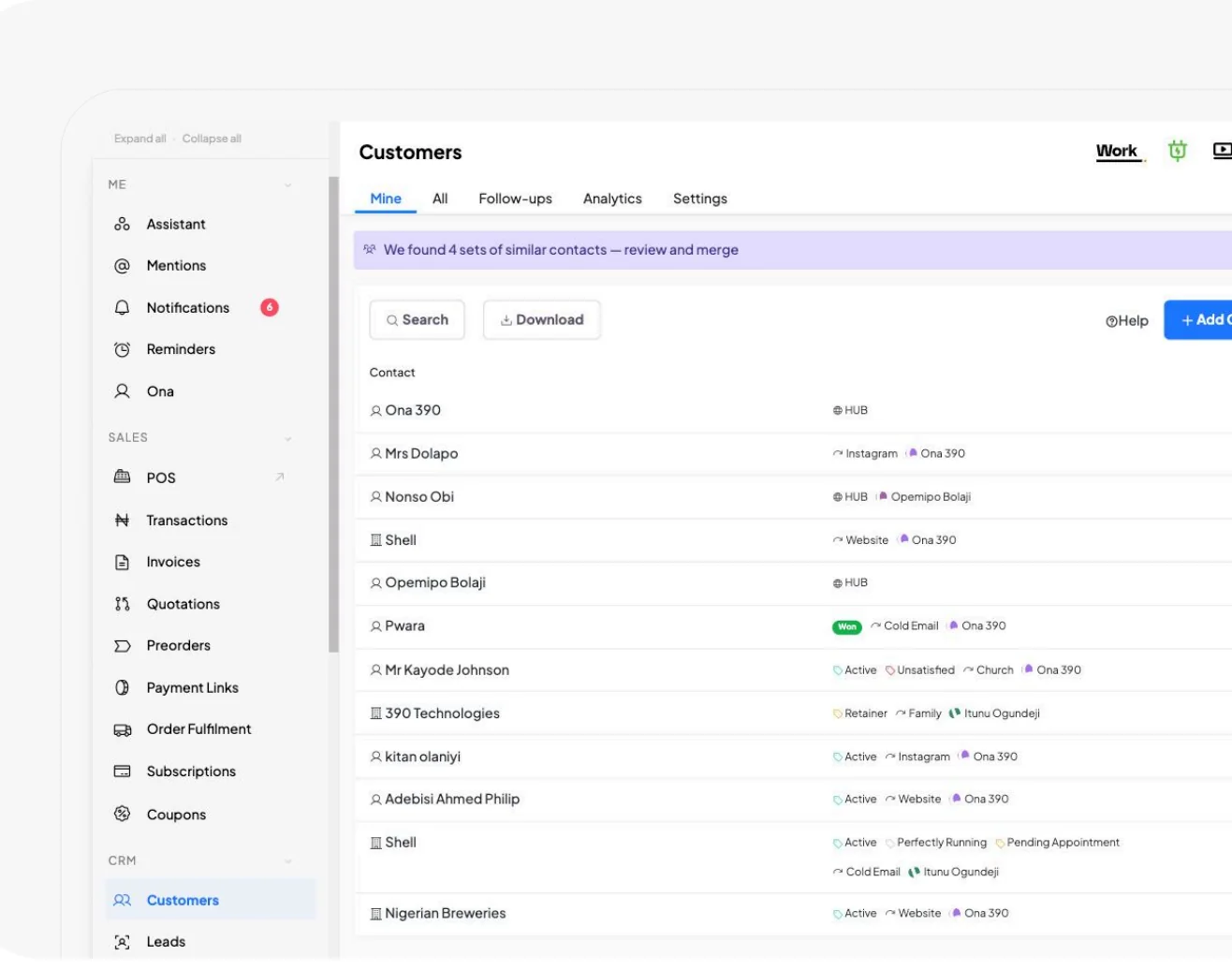
Bring in the people preparing quotations, recording payments and reviewing sales. Give each person access to the information and actions they need.
Prepare the quotation, raise an invoice when the customer agrees and record payments as they come in. Keep the records up to date so the team can see where the sale stands.
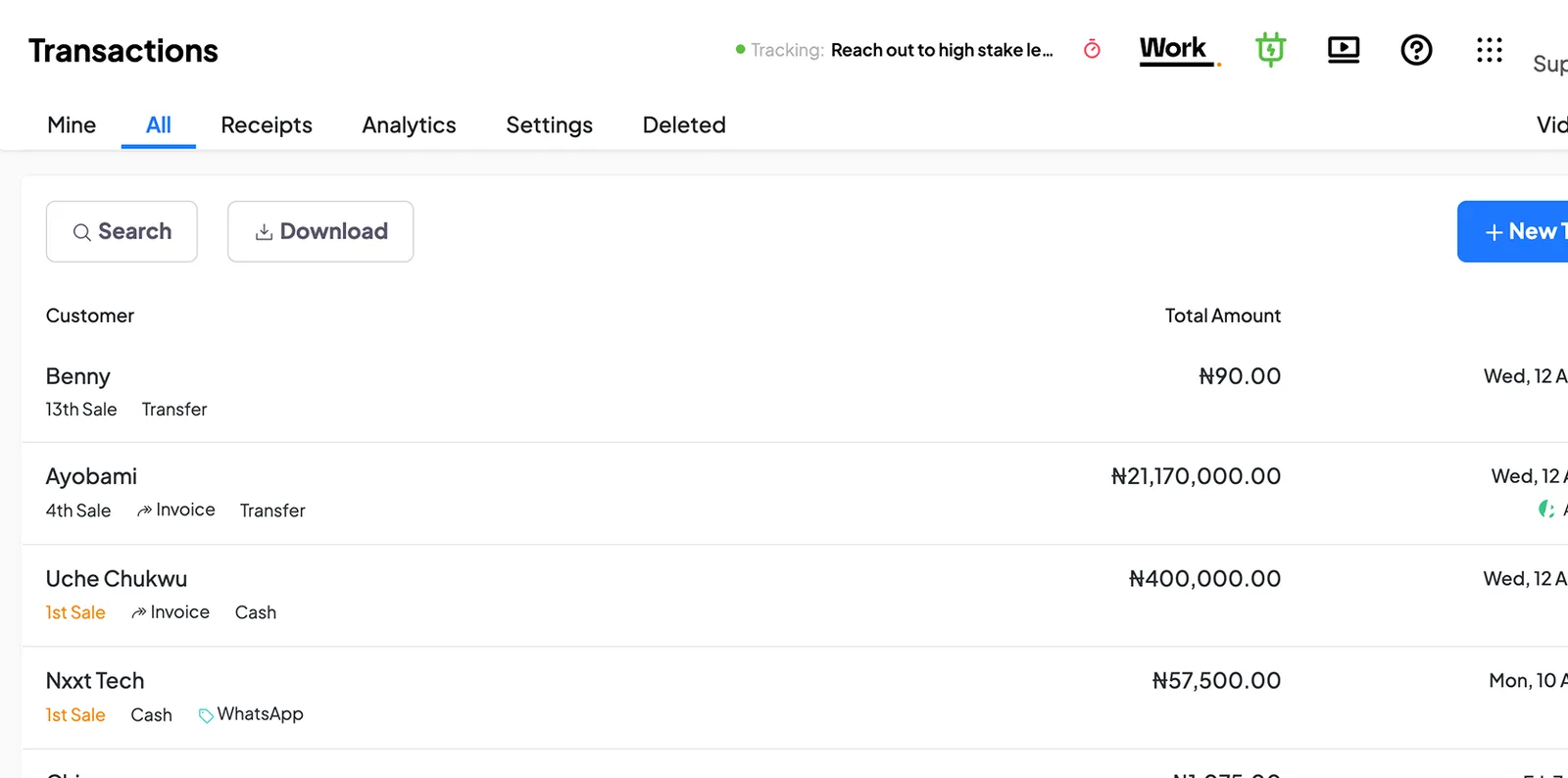
Review the invoice and its payment records. Check what the customer still owes and agree who will follow up.
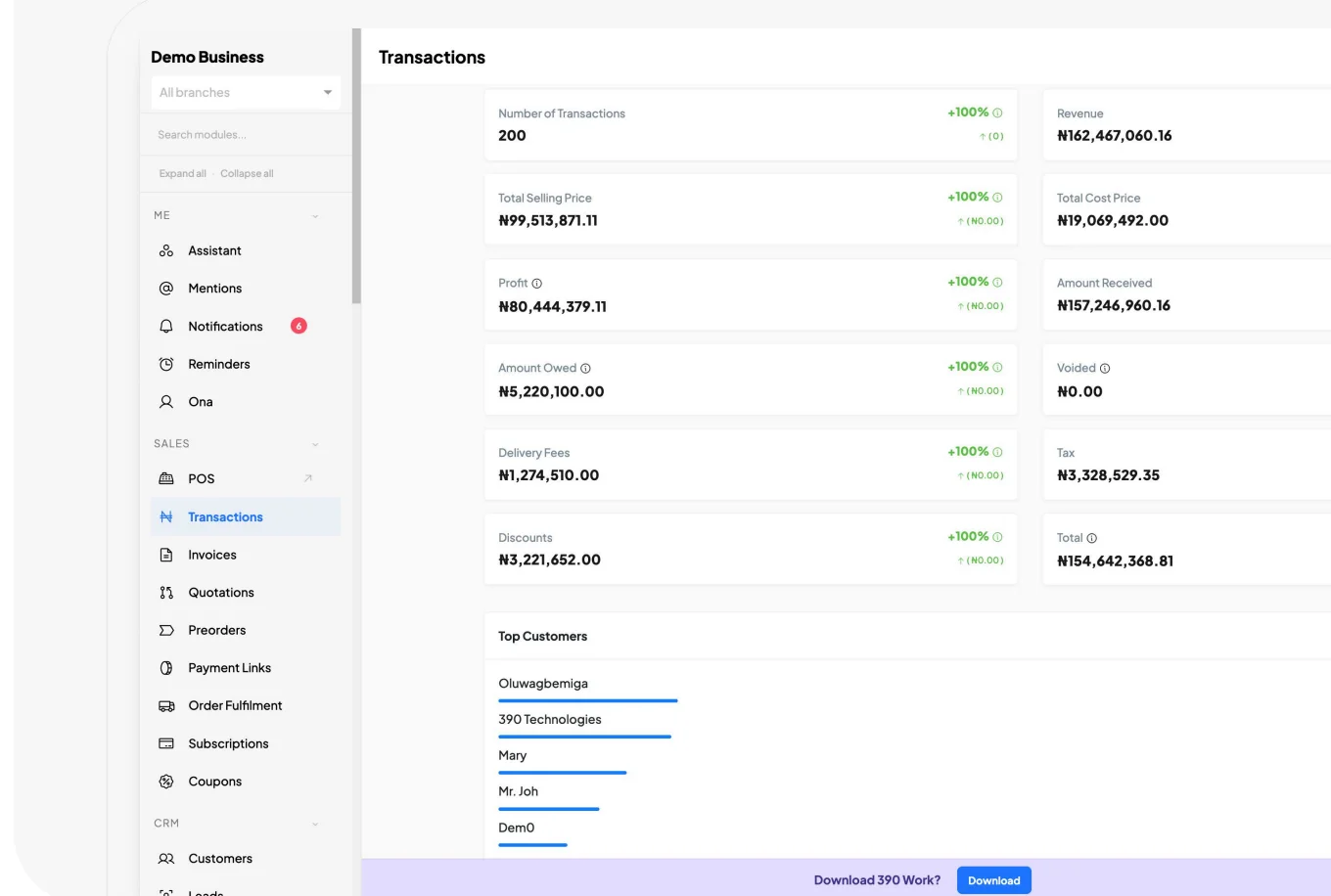
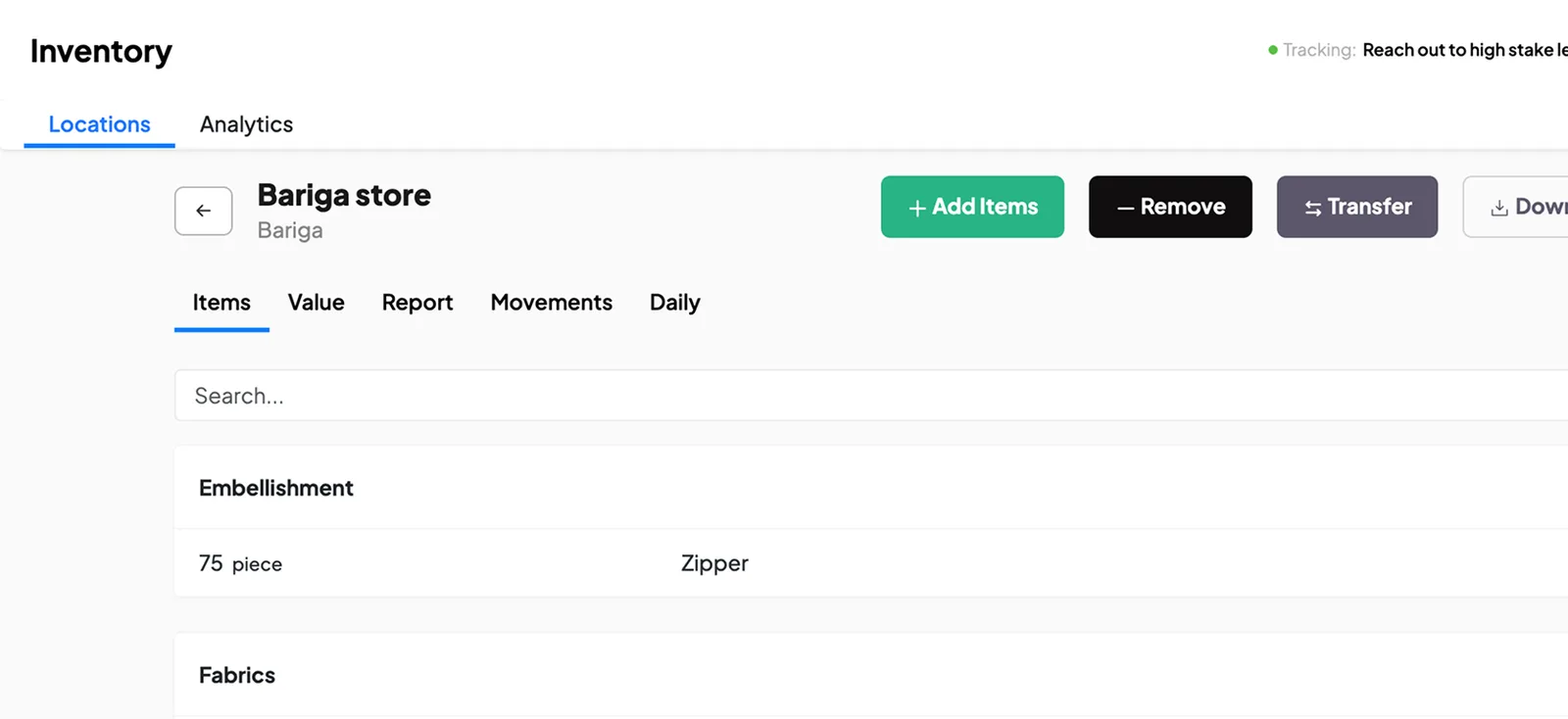
Once the team is comfortable with sales, you might add stock or expenses. Prepare the records that area needs first. For stock, that includes the locations and quantities you already have.
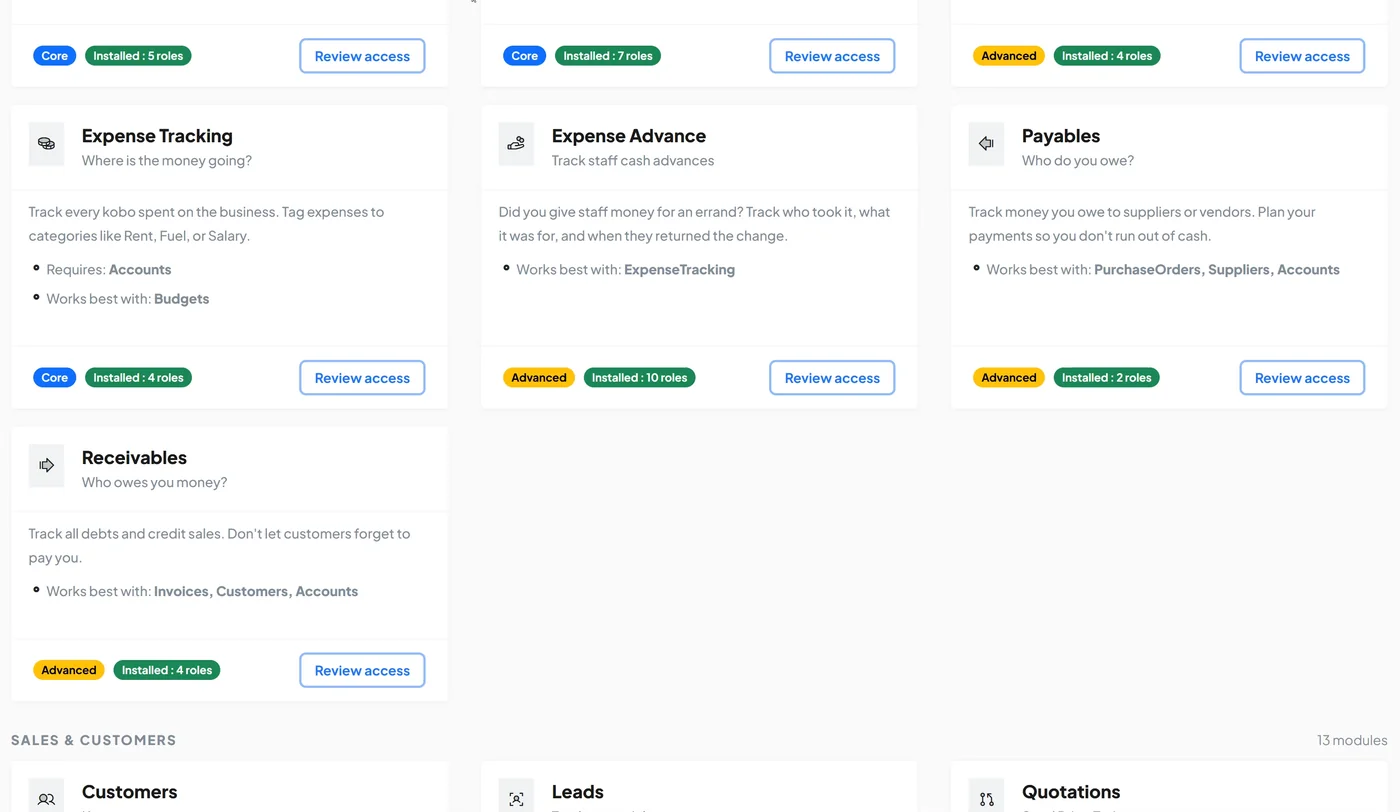
A salesperson, stock manager and accountant need different information. Set their roles so each person can use the parts of 390 needed for their responsibilities.
The access a person has depends on the permissions you set for their role.
This is an example. You set permissions for each role and module in your own business.
Tell us what you want to organise and how you handle it today. We will walk you through the relevant parts of 390.
Use the trial to manage a real sale, expense, stock record or another regular activity. Review it with the people involved and ask for help where needed, so you can decide whether 390 is right for your business.
A suggested way to use the 21 days. Work at your team’s pace.
Choose where to start, add the records you need and invite the people involved.
Handle real work in 390 and let staff get familiar with the software.
Check the records and reports. Discuss what is helping and where you need support.
Resolve outstanding questions and decide whether to continue with a subscription.
“On the first day of setting up 390 in our business, we used it to detect two pieces of missing chicken.”

Choose one regular activity to try first. These are examples of what that could look like.
Record a customer sale and check the payment received.
Follow an order through preparation and fulfilment.
Prepare a quotation and invoice for a customer.
Set up one production order and the materials it needs.
Record an expense request and follow its approval.
Manage a service appointment and record its payment.
Assign an administrative task and follow its progress.
Record a request and follow it through review.
Can staff find the information they need? Can you see what has been done and what is still pending? Are payments and responsibilities easier to follow? Discuss these questions with the people using 390.
See what else you can manageAdd another part of the business as it becomes useful. You can involve more staff or another location, using the records you have already started building in 390.
You can use our guides and ask product questions as you set up. If you want our team to help prepare your records, configure workflows or train staff, ask about assisted setup. We will agree what needs to be done and the price before starting.
Choose the work you want to organise and try it in 390. If you would like to see it first, book a demo with our team.