Sales and customer management
Record enquiries, quotations, invoices and each customer’s payments. See who needs a follow-up and who still owes you.


Manage sales, stock, customer records, expenses and staff in 390 Work. Your staff can carry out their daily responsibilities while you review the records, reports and requests that need your attention.
Try 390 Work for 21 days. No card required.














Your sales staff need customer and order details. The person managing stock needs to know what has come in and what has gone out. Your accountant needs sales, payment and expense records. 390 Work gives them a system to manage these responsibilities.
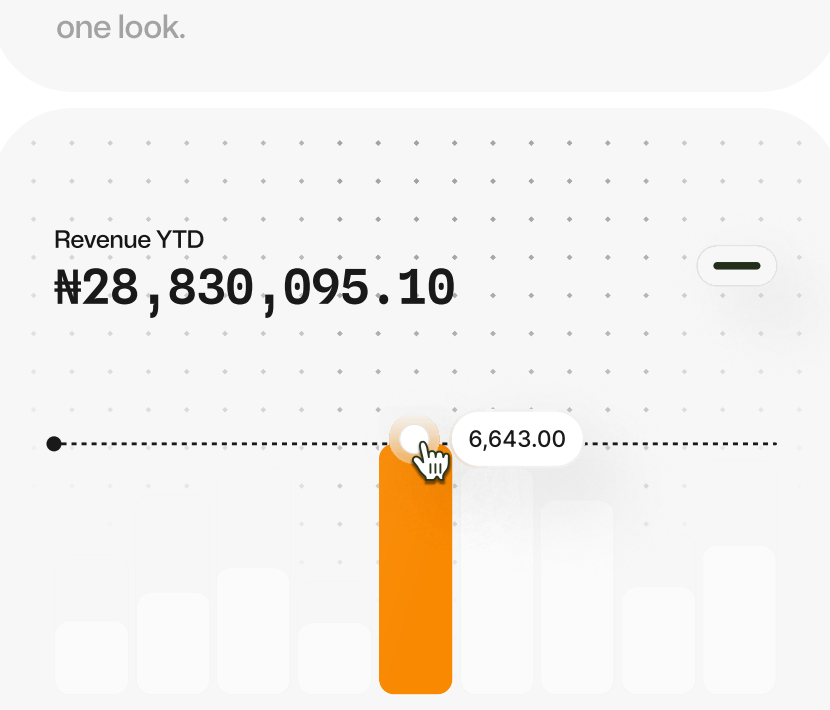
Sales by location, how customers paid and what is still owed.
Customer details, transactions and documents when a question comes up.
Assign work to staff and follow its progress.
See the request and its details before you decide.
Keep procedures and policies where your staff can find them.
Reports show activity, outstanding amounts and work to follow up.
Start with the part that matters most, such as sales, stock or expenses, and add the rest as you go.
Record enquiries, quotations, invoices and each customer’s payments. See who needs a follow-up and who still owes you.
See stock at each location and follow purchases, sales and transfers. Keep supplier details and purchase orders.
Record spending, budgets and money given to staff for purchases. See what customers owe you and what you owe suppliers.
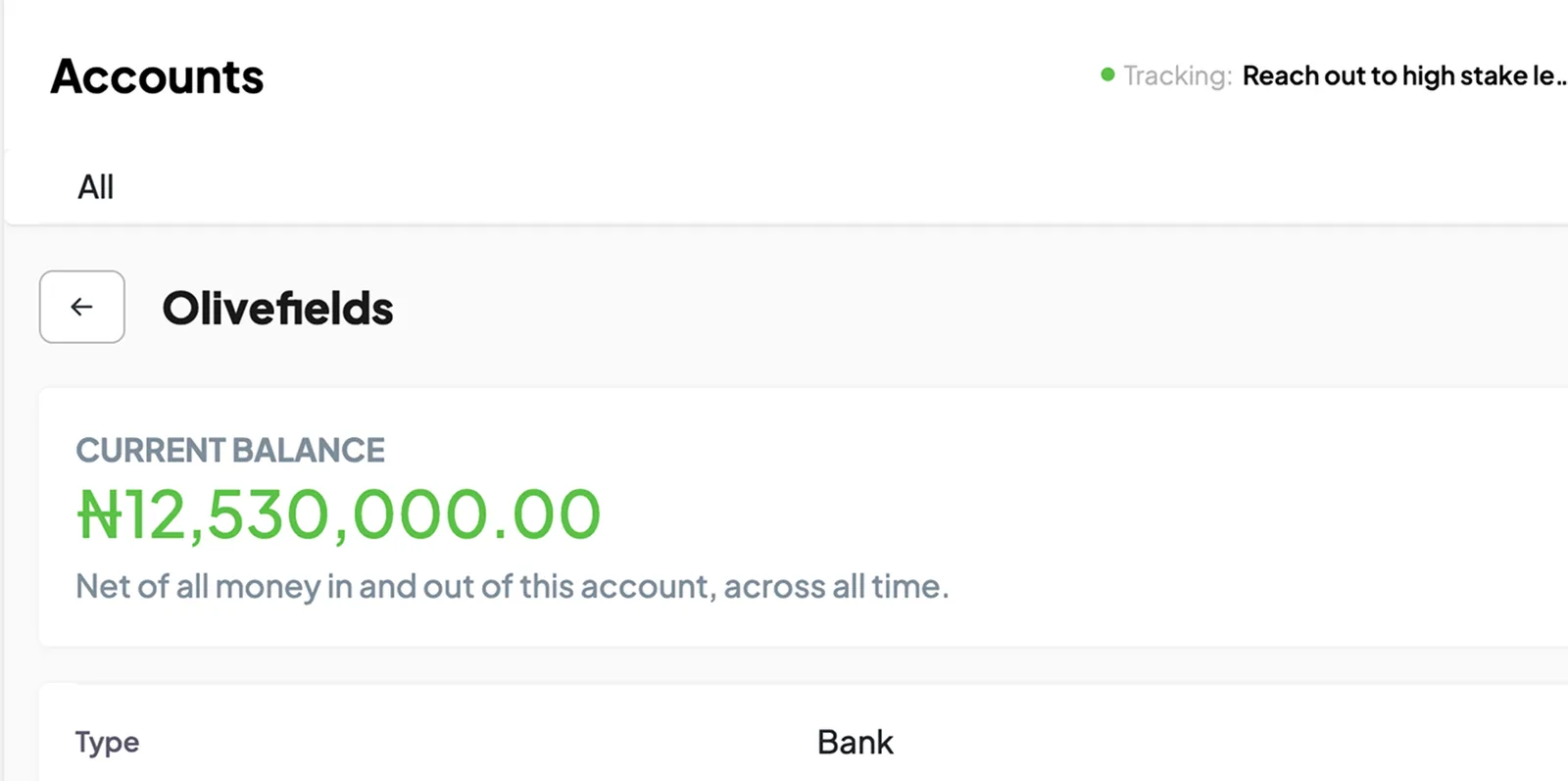
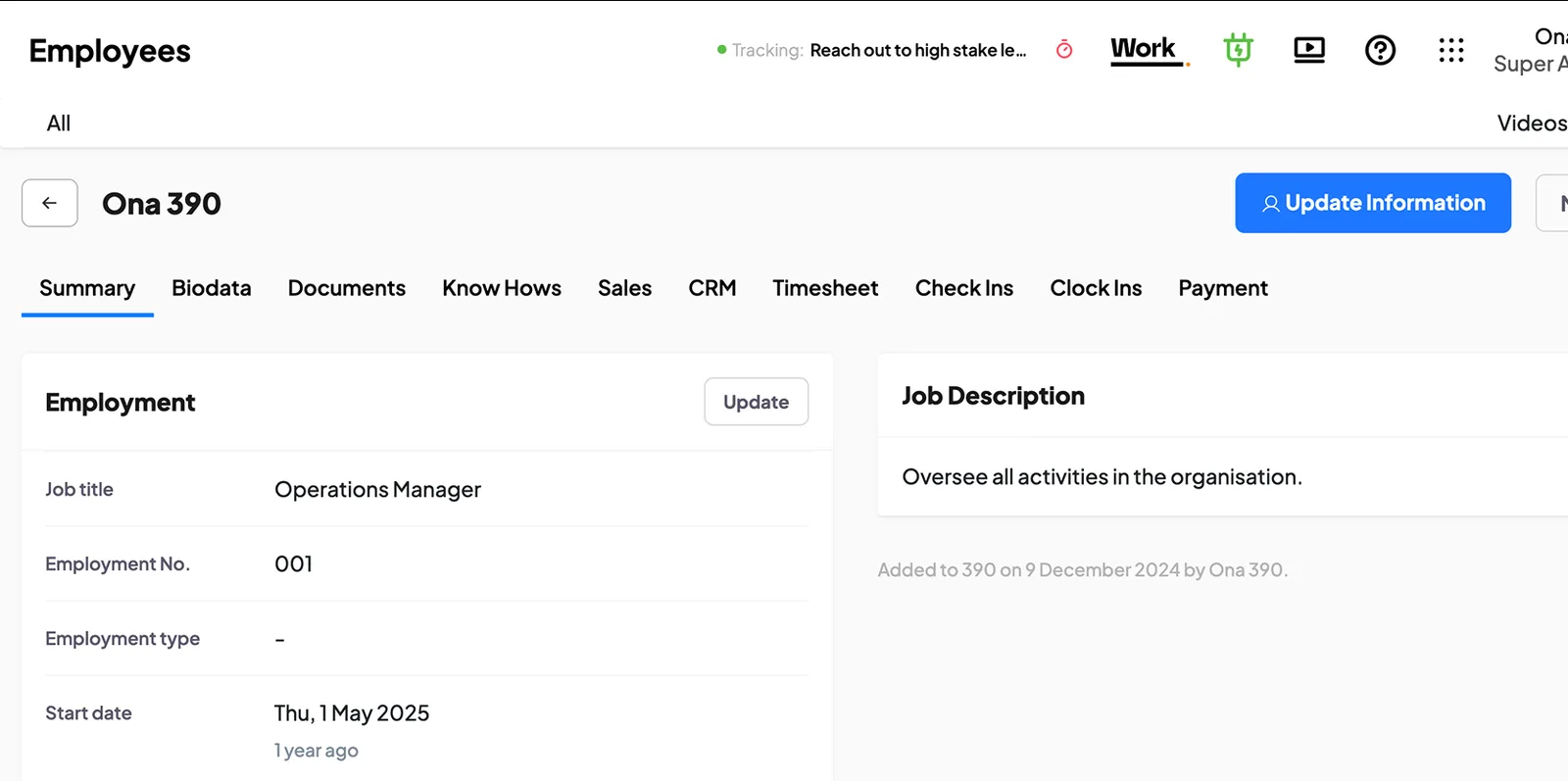
Keep staff records, review attendance and assign work. Follow progress, requests and approvals.
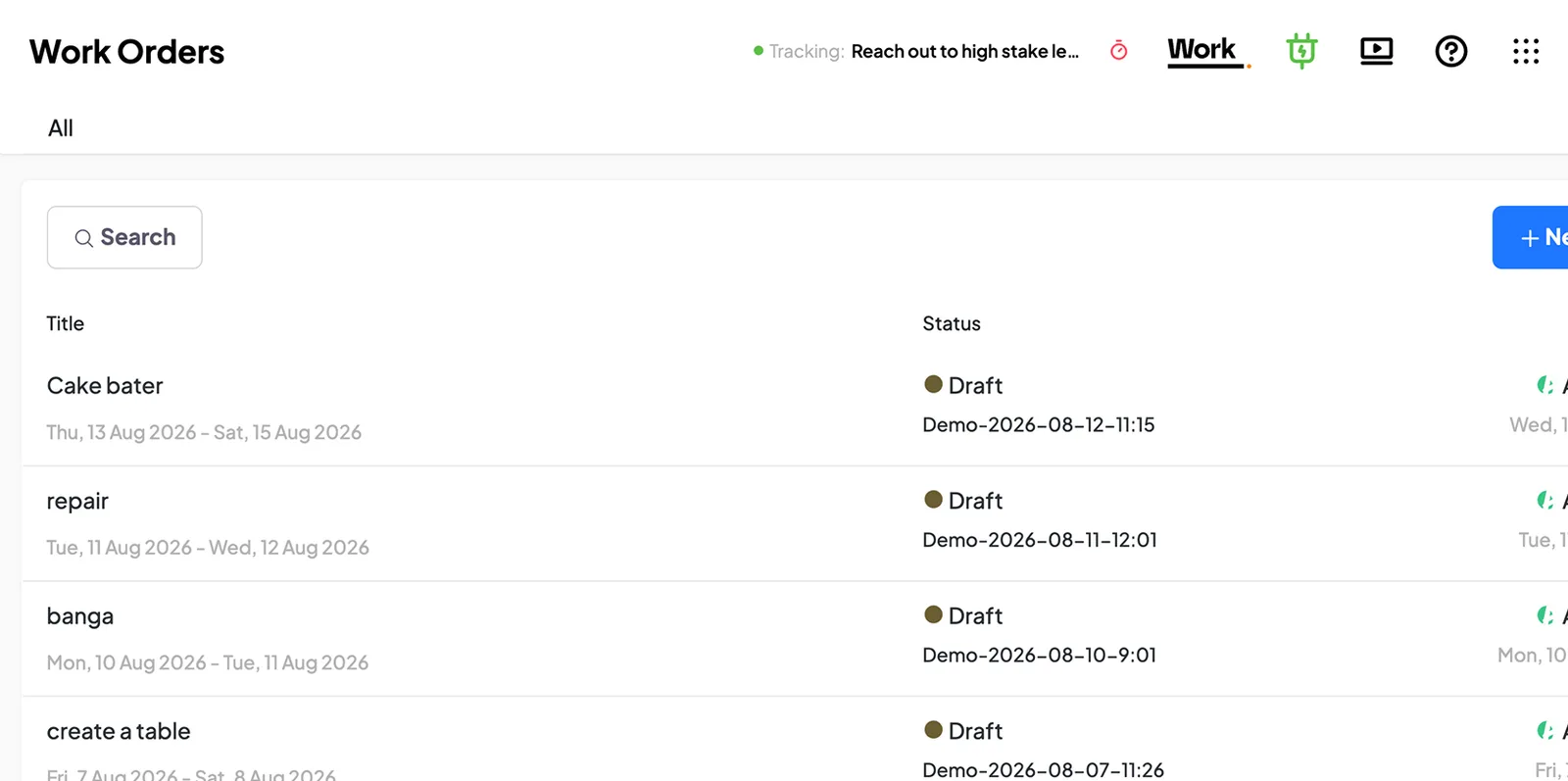
Organise materials and manufacturing orders, and follow the work through to finished goods.
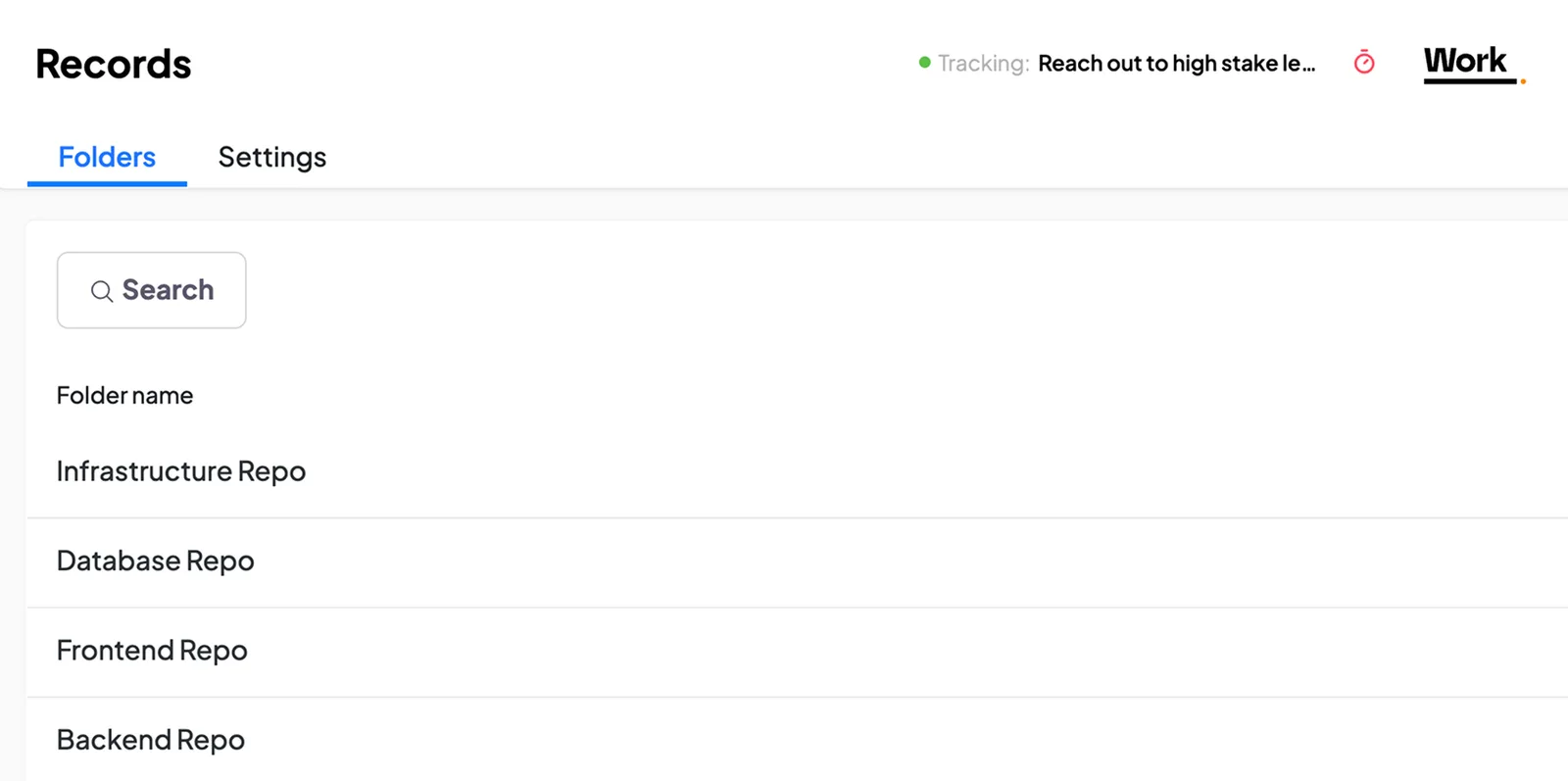
Keep instructions, policies and business documents where your staff can find them.
Management, sales, finance and operations each need different information. See what each one can do in 390.
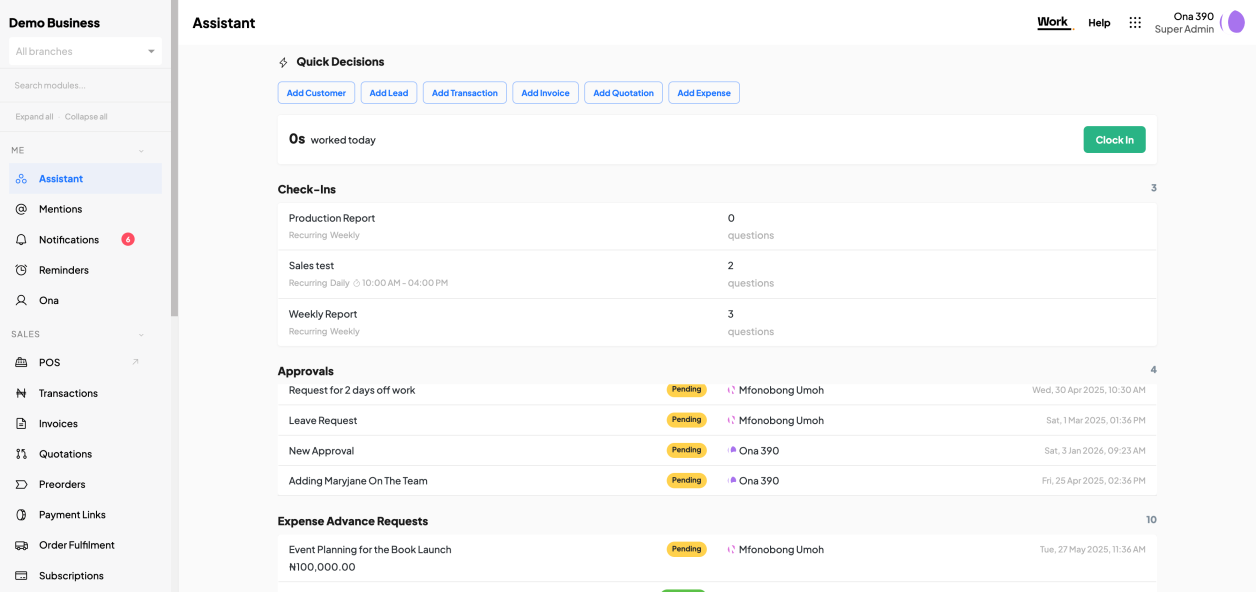
Review sales, spending and outstanding work. Check the details behind a result, decide on requests and follow up with your staff.
Illustrative examples. Amounts and records are sample data.
See the invoices, due dates and customers behind the number.
See each sale with its customer and payment details.
Check the details and record a decision.
Follow purchases, sales and transfers at each location.
The details your staff enter tell you what happened and what to do next.
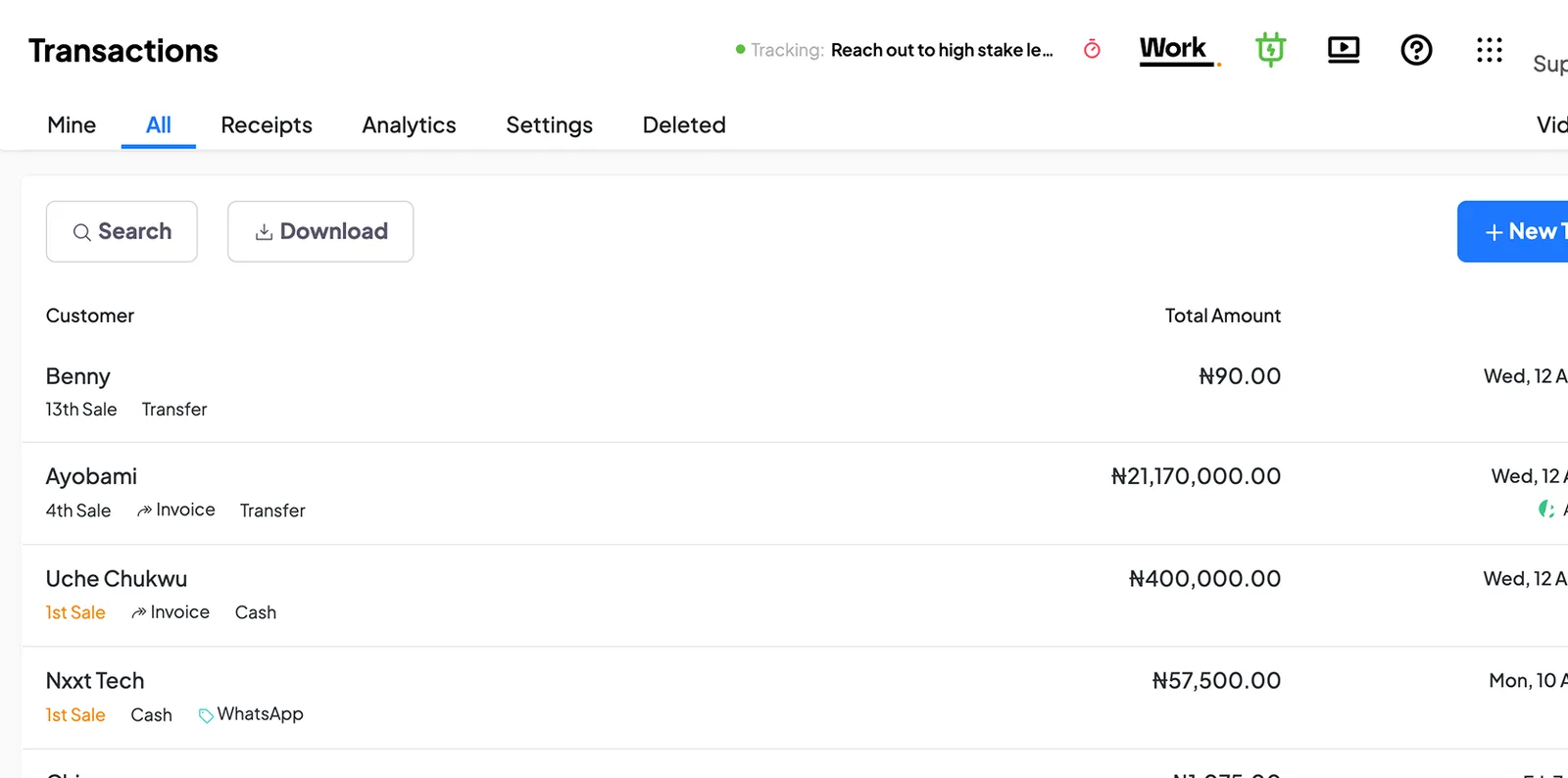
See what your staff sold, how customers paid and what is outstanding. Open any transaction for the detail.
Illustrative record · sample data
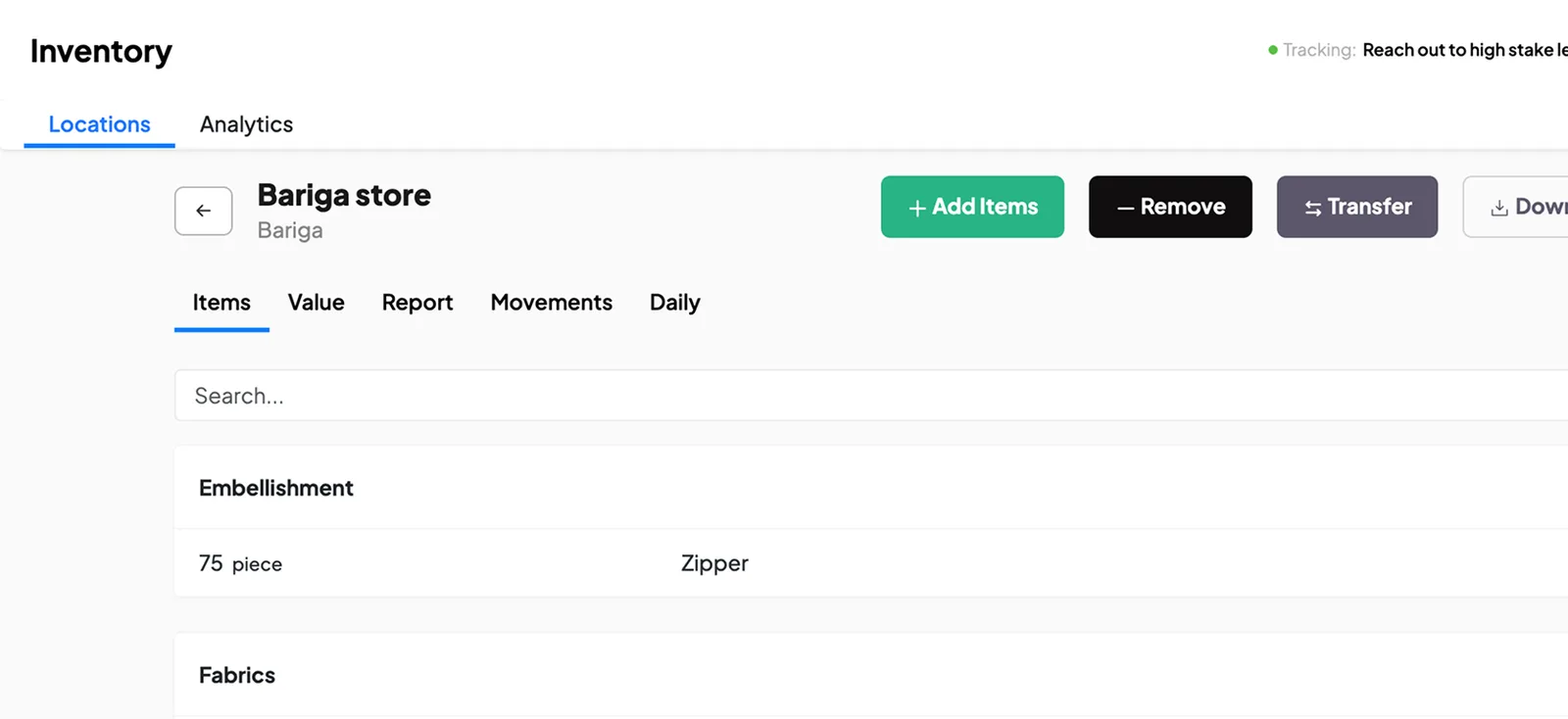
Check the balance and the purchases, sales and transfers behind it, then use that history to investigate a difference.
Illustrative record · sample data
See who received an advance, what it was for and what has been spent. Check the receipts and the balance still to account for.
Illustrative record · sample data
Staff can submit requests with the necessary details and documents. The person responsible checks the request and records an approval or rejection in 390.
Illustrative record · sample data
Choose something your business already does regularly, such as recording sales, managing stock or approving expenses. Add the records and staff involved, then start using 390 for that activity. You can set up other areas as you become familiar with the software.
Add a customer and prepare a quotation, invoice or sale.
Add your products, storage locations and opening quantities.
Assign a task to a member of staff and follow its progress.
Record spending or account for money given to a member of staff.
Set up a manufacturing order with the materials it needs.
Give your staff access to a procedure they use.
What your staff record today answers tomorrow’s questions, follow-ups and decisions.
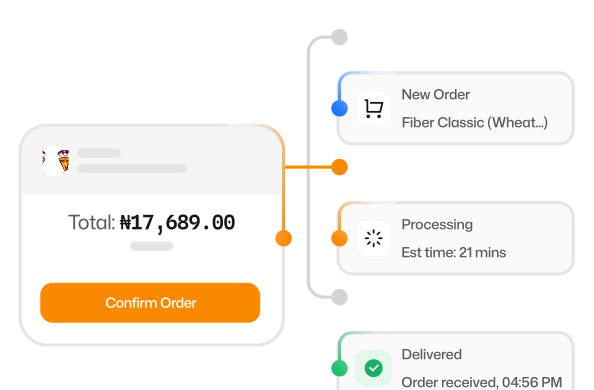
Record sales, expenses, stock movements and updates as they happen.

Attach the customer, items, amounts and documents involved.
See the status of tasks, requests and orders.
Review records and reports to see activity and amounts owed.
Follow up, approve a request or assign further work.
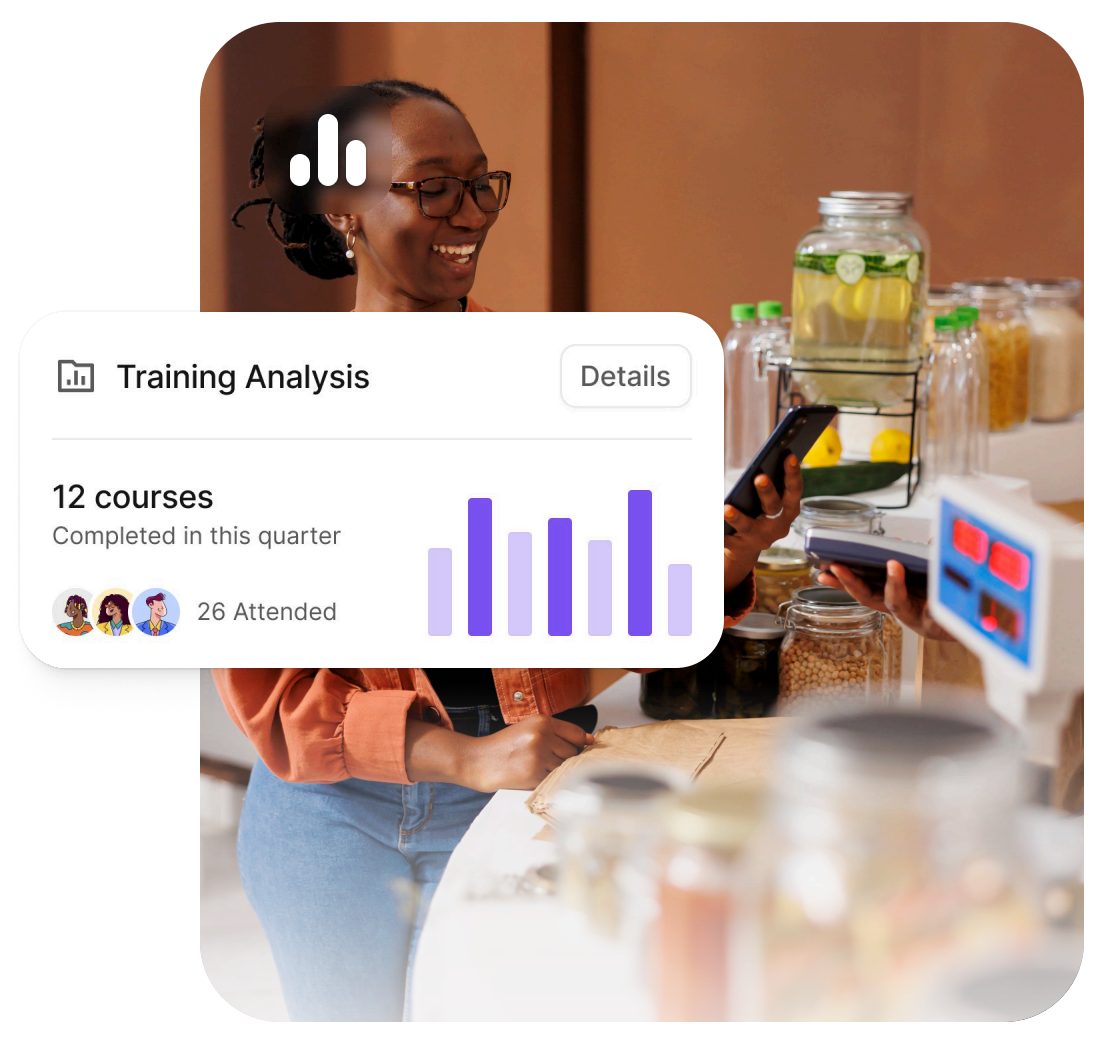
390 Work is useful when different people handle sales, stock, expenses, customer service or other business activities. It helps staff keep proper records and gives managers a way to review work across departments and branches.
Usually that means:
Give customers an online page to view your products and services, place orders, book appointments and contact you. Your staff handle the orders and customer records in 390 Work. HUB is included with your Work subscription.
Use the free trial to see how 390 works in your business. Invite the staff involved, use it for daily activities and review the records together before deciding whether to subscribe.
No card required.
One way to use your trial. Go at your own pace.
Choose a piece of work and add the records it needs.
Invite the staff involved and use it for real work.
Review the records together and adjust the setup.
Decide whether 390 suits your business and whether you want to continue with a subscription.
“On the first day of setting up 390 in our business, we used it to detect two pieces of missing chicken.”
Watch a video guide, read the instructions or contact our support team.
We can help prepare your records, set up staff access and approvals, and train your staff.
Assisted setup starts from ₦150,000 as a one-off fee. We’ll agree what it covers and confirm the cost before work begins. Your subscription is separate.
List the customer, product, supplier and staff records you need to begin.
Enter opening stock and balances so reports start from the right figures.
Set up your branches, storage locations, staff roles and access.
Set up the approval rules you need and show your staff how they work.
Practise the agreed tasks with each person, using your own records.
Check the agreed setup with you and answer remaining questions.
Start your free trial, or book a demo to discuss what you want to manage and see how 390 Work could help.
390 Work. Become more.